Cursor 2.0 and Composer Model
A hands-on review of Cursor 2.0's new Composer AI coding model, testing its speed and code quality with and without structured workflows.
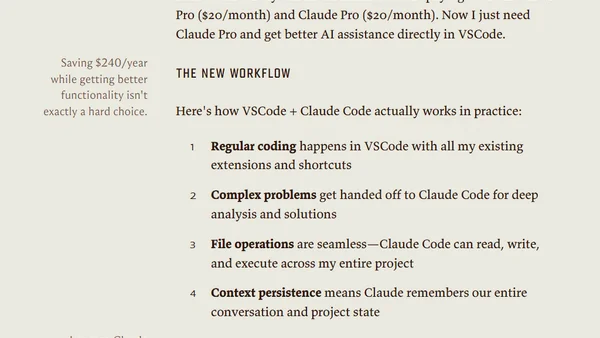
A developer explains why they are switching from the AI-native Cursor editor to using Claude Code within VSCode for AI-powered programming.
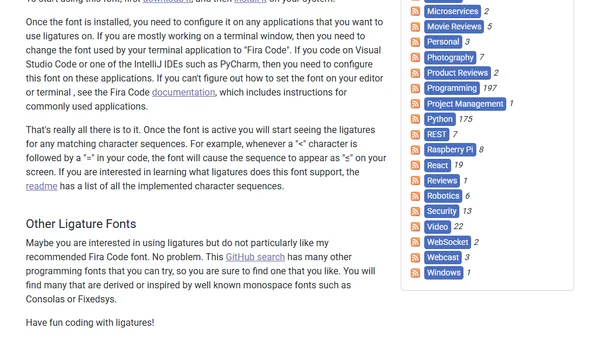
How to use font ligatures like Fira Code to improve code readability by displaying operators like != and => as single, cleaner symbols.
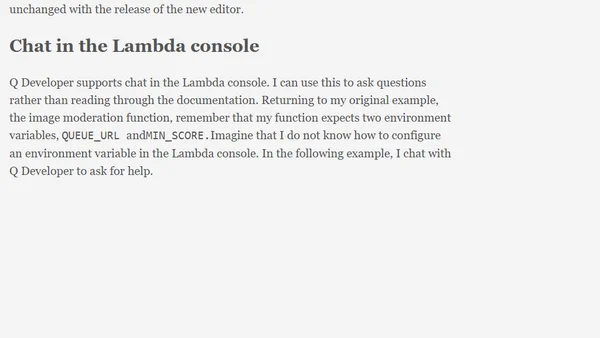
AWS Lambda's new code editor features an improved Amazon Q Developer AI assistant for generating and debugging Lambda functions with better in-line code previews.
Discusses the Zed code editor's Swift support and collaboration features, Xcode 16's predictive assist, and compares iPad models for developers.
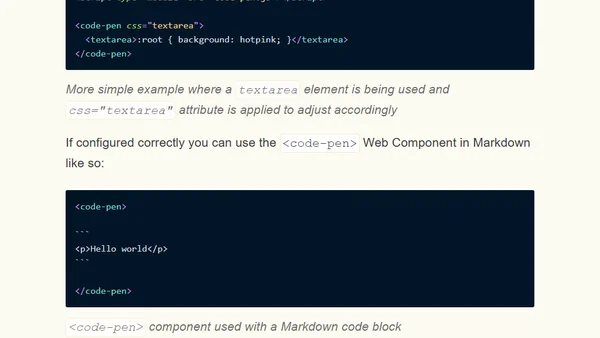
Introduces a Web Component that wraps code blocks to open them directly in CodePen for live editing and experimentation.
A developer shares their personal setup for a clean, minimalistic PhpStorm IDE, including UI tweaks and settings for better productivity.
A developer shares their favorite Visual Studio Code extensions for boosting productivity, including bracket colorization, auto-rename tags, and Prettier.
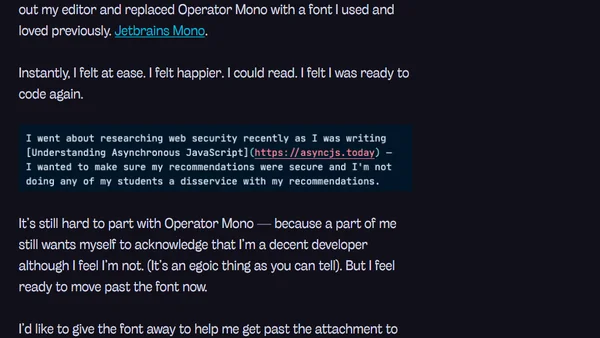
A developer shares their personal journey of buying, using, and ultimately abandoning the premium Operator Mono code font, reflecting on developer culture and tool choices.
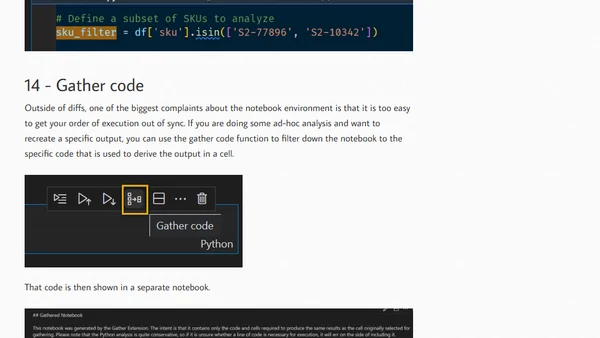
Explores 16 advantages of using Visual Studio Code for Jupyter Notebook development, including better navigation, debugging, and integration.
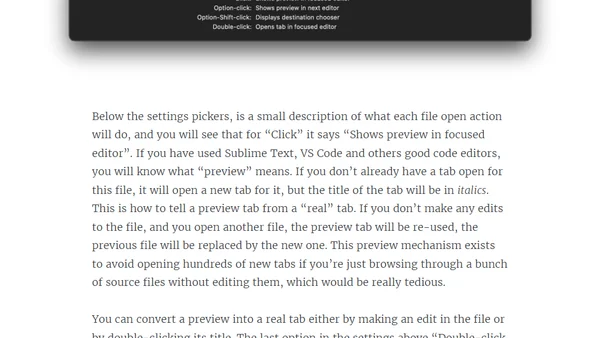
Guide to configuring Xcode 12's new 'Editor Tabs' for a better, more modern code editing experience similar to VS Code or Sublime Text.
Developer announces Quina, their first standalone word game app built with web technologies and published on the Google Play Store.
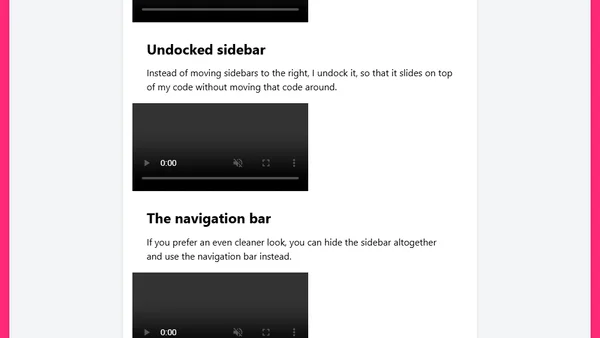
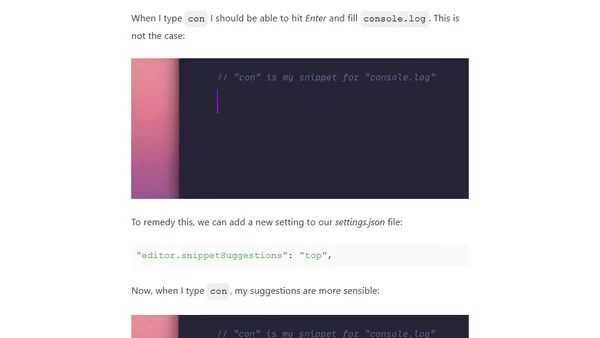
A guide to fixing five common VS Code annoyances, including panel placement, window sizing, snippet suggestions, and diff view settings.
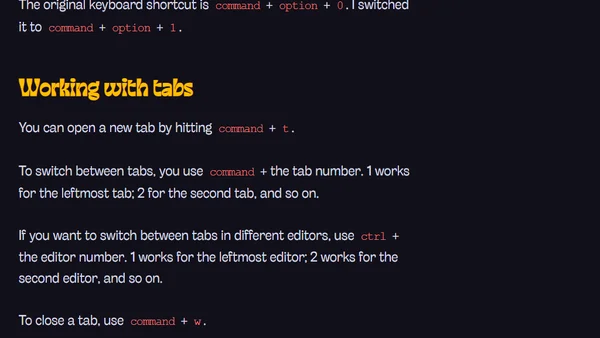
A guide to essential VS Code keyboard shortcuts for Mac users, covering navigation, file management, and editor controls.
Part 3 of a VS Code setup series, detailing essential extensions for developers like bracket colorizers, spell checkers, and settings sync.
A developer shares reasons to consider using TypeScript, focusing on type safety, refactoring, and editor support.
A guide to setting up a JavaScript development environment, covering syntax highlighting, code editors, and theme installation to improve learning efficiency.
A web developer's overview of key new features in Visual Studio 2017, focusing on setup, editor improvements, and performance.
A developer's guide comparing VS Code and IntelliJ IDEA, highlighting VS Code's features and providing steps for a seamless transition.