How to rename a file in Vim
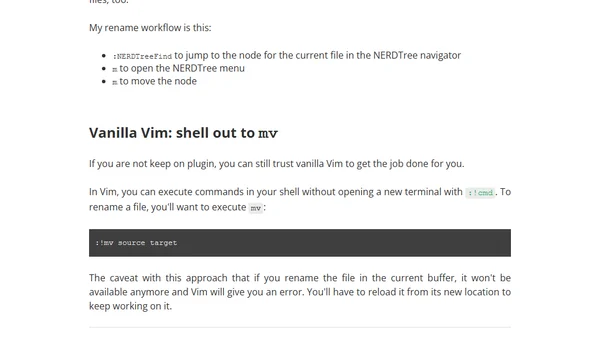
Three methods to rename files directly within the Vim editor: using the vim-eunuch plugin, NERDTree, or a shell command.
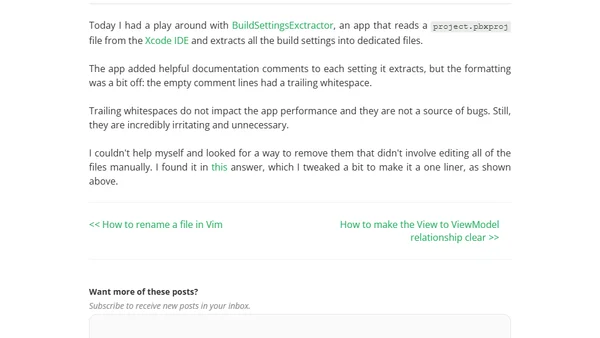
A technical guide on using a terminal command to remove trailing whitespaces from all files in a directory, with context from an Xcode project.
A guide to using Scopes in JetBrains IDEs to organize files with custom colors and filters, improving project navigation and developer experience.
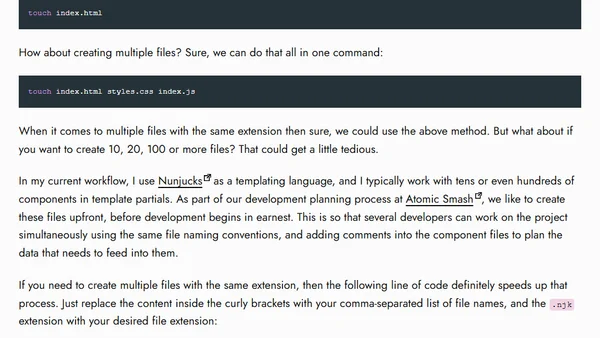
A quick command line tip for efficiently creating multiple files with the same extension using brace expansion.
A guide on splitting large OpenAPI specification files into multiple, manageable files to improve workflow and maintainability.
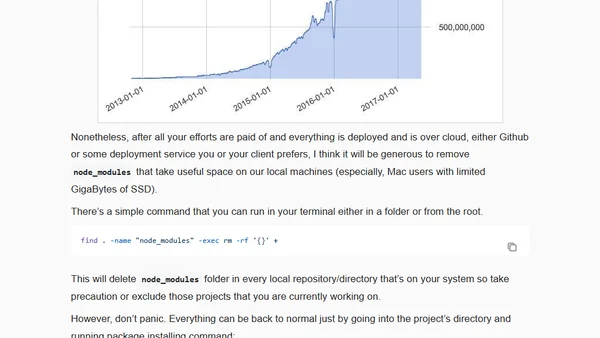
A guide to freeing up disk space by using a terminal command to recursively delete node_modules folders from local Node.js projects.
A guide to renaming files to lowercase in a Git repository using a command line script.
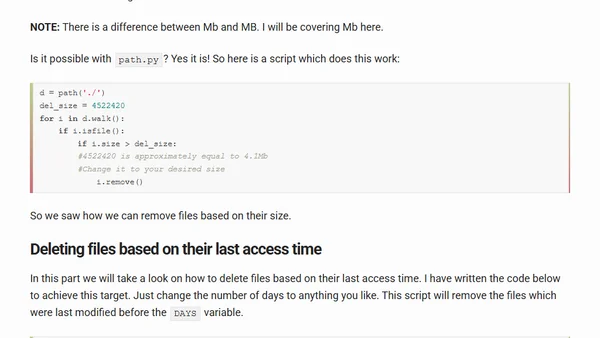
A Python tutorial on creating a cleanup script using the path.py library to count and manage files and directories.
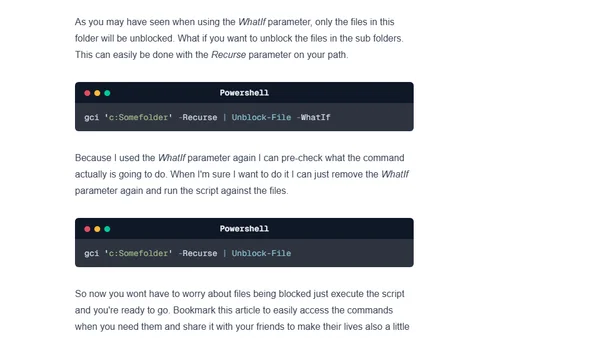
A guide on using PowerShell commands to unblock downloaded files and folders, saving time over manual methods.