Nano Server Technical Preview 3 Available Now!
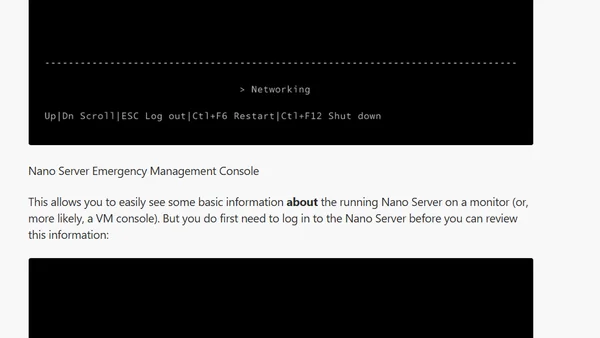
Overview of new features and the official installer script in Windows Server 2016 Nano Server Technical Preview 3.
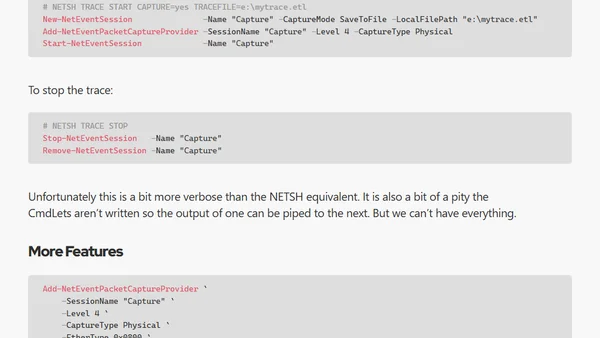
A guide to replacing legacy NETSH TRACE commands with modern PowerShell cmdlets for network packet capture and analysis.
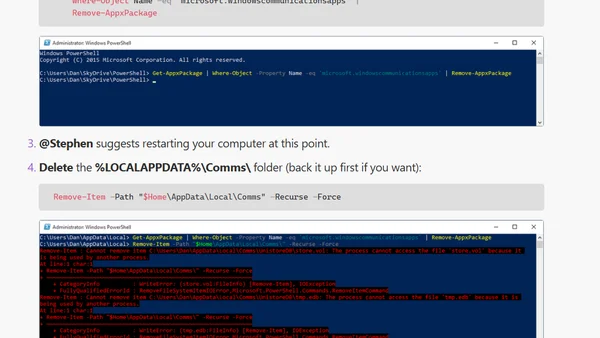
A technical guide to fixing the 'account settings out of date' error in the Windows 10 Mail and Calendar app by reinstalling the app and clearing its data.
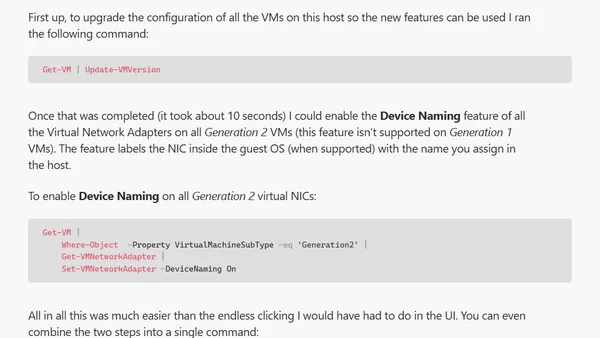
A PowerShell guide to automatically enable Device Naming on all virtual network adapters for Generation 2 VMs on a Hyper-V host.
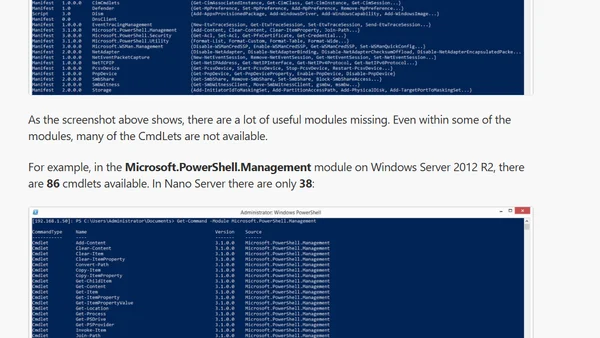
Explores the limited PowerShell modules available in Windows Nano Server Tech Preview 2 and the absence of SysPrep.
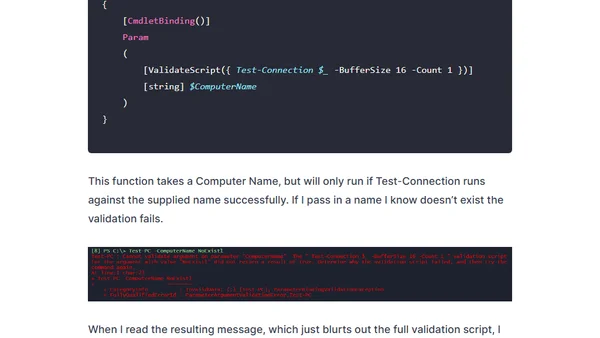
A guide to improving PowerShell's ValidateScript attribute by creating custom validation functions for better error messages and user experience.
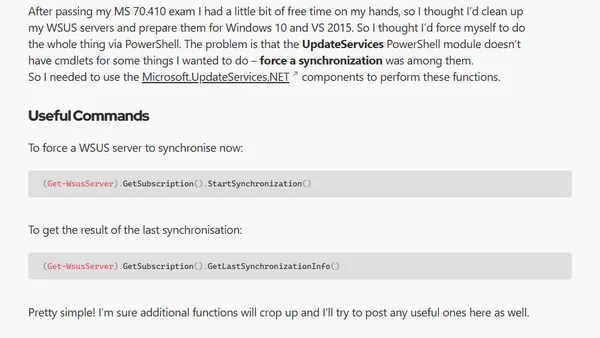
A guide on using PowerShell commands to force immediate synchronization on a WSUS server, leveraging .NET components.
Explores limitations of PowerShell vs. DISKPART for managing dynamic disks and VHDs, with workarounds.
A guide listing 20 creative PowerShell script ideas for generating custom system alerts and notifications using the Pulseway monitoring platform.
Explains how to use PowerShell scripts with Pulseway monitoring software to create custom alerts based on system events.
An update to the New-NanoServerVHD script to support a new version of Convert-WindowsImage, adding VHDx and GPT support for Generation 2 VMs.
A bug fix for setting the computer name during Nano Server installation in Windows Server 2016, resolving an issue in the Unattend.xml file.
A guide to automating the installation of Windows Management Framework 5.0 using a Group Policy startup script, including version checking.
A technical guide on troubleshooting PowerShell script parameter issues when deploying them via Group Policy Objects (GPO), including character limits and quoting problems.
A PowerShell script to immediately decline all superseded updates in WSUS, bypassing the 30-day automatic wait period.
Introduces a PowerShell module for tracking and reporting changes to file, folder, and share permissions (ACLs) over time for security auditing.
A PowerShell module called DSC Tools that simplifies the setup and configuration of Desired State Configuration (DSC) Pull Servers and Local Configuration Manager.
A PowerShell script tutorial for resolving hostnames from a CSV file to track DNS record updates.
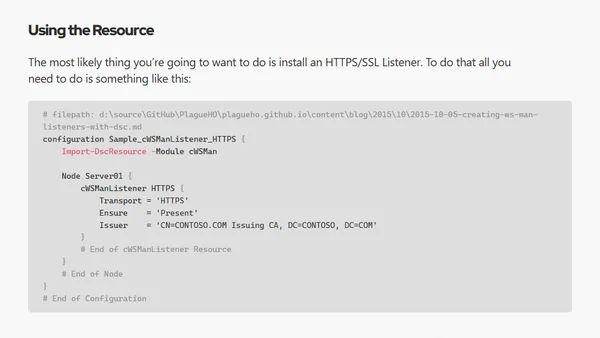
A PowerShell guide for retrieving Desired State Configuration (DSC) from a remote server using a secure SSL connection and custom CIM session options.
A guide to integrating SCCM application deployment links into a custom web portal using PowerShell, creating a unified user experience.