git recent: what branch did I work on? [blog]
A developer shares a custom Git alias to quickly list the most recently worked-on local branches, helping track workflow across multiple branches.
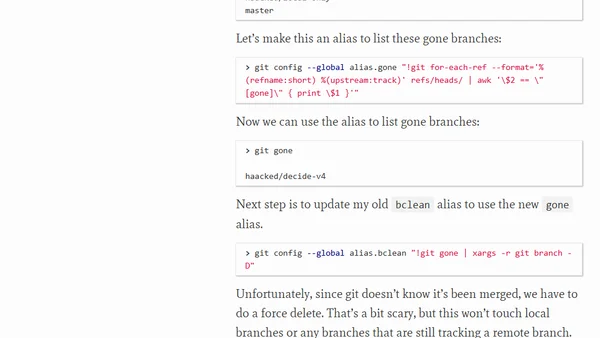
A developer shares a Git alias solution to automatically clean up local branches after using GitHub's Squash and Merge feature.
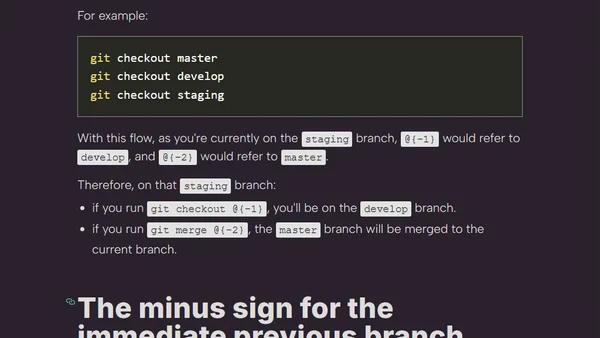
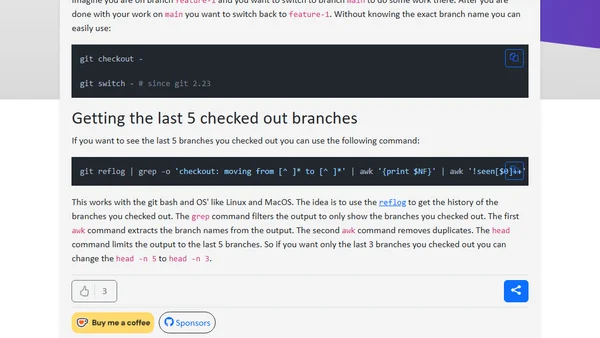
Learn two Git tricks: quickly switch back to the previous branch and view the last 5 checked-out branches using reflog.
A guide to automating the cleanup of stale branches from a remote Git repository, covering generic approaches and provider-specific options.
A guide to using PowerShell scripts to automatically delete merged or stale local Git branches, cleaning up your repository.
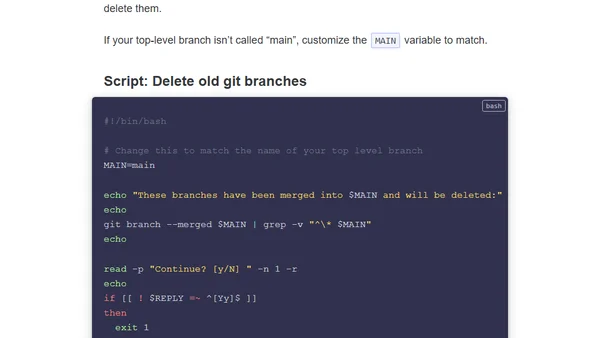
A tutorial on cleaning up merged Git branches using a simple Bash script, with customization and local ignore tips.
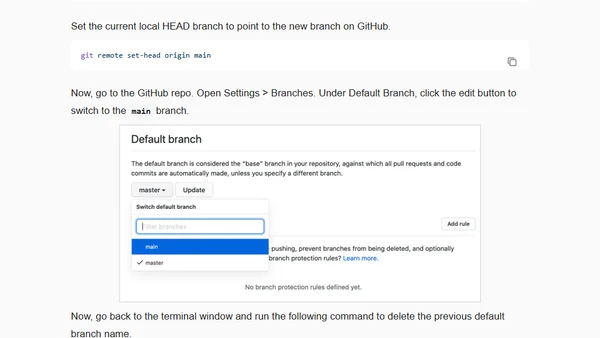
A step-by-step guide to renaming the default branch from 'master' to 'main' in both a local Git repository and on GitHub.
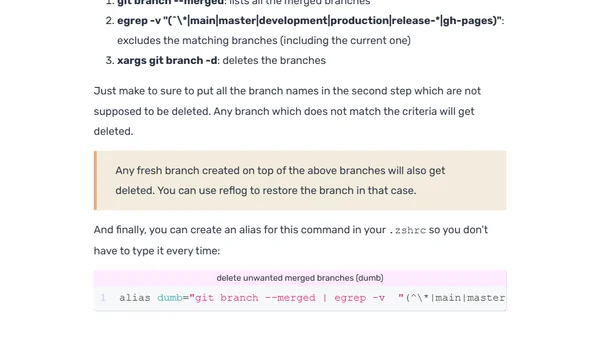
A quick guide to cleaning up your Git repository by deleting local merged branches using a one-line command and alias.
Explains how to use the minus (-) sign in Git as a shortcut to refer to and switch back to the previously checked-out branch.
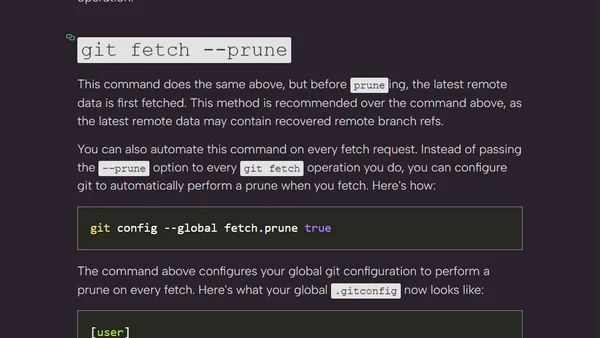
A guide on using Git's prune option and branch delete command to clean up outdated local branches after remote deletion.
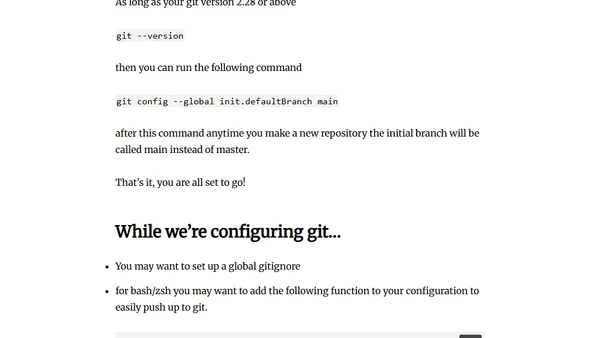
A guide on changing the default Git/GitHub branch name from 'master' to 'main', including steps for both GitHub settings and local Git configuration.
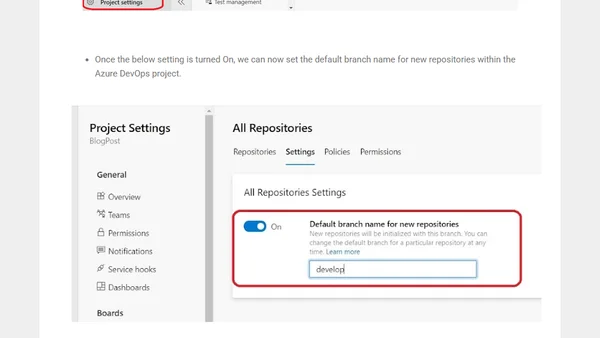
Guide to setting a custom default branch name for new Git repositories in Azure DevOps at the organization or project level.
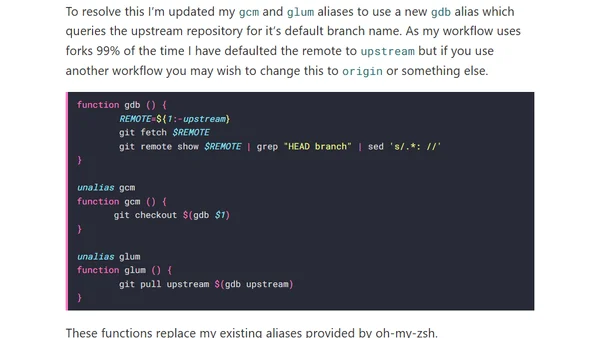
A guide to creating Git aliases that automatically detect and checkout a repository's default branch, handling the transition from 'master' to 'main'.
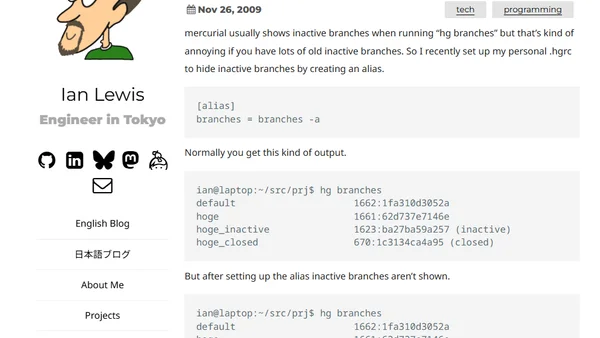
A guide to configuring Mercurial to hide inactive branches by default using a custom alias in the .hgrc file.