

How to Subscribe to YouTube Channels Without an Account
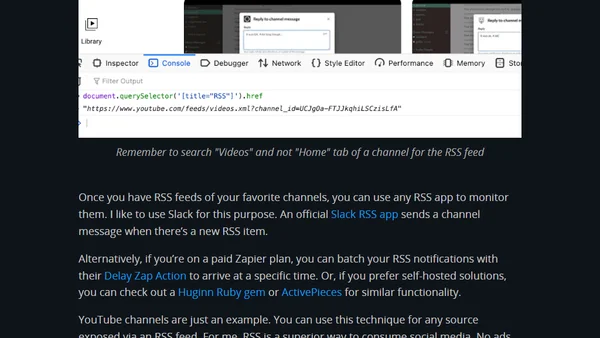
Read OriginalThis article provides a detailed tutorial on subscribing to YouTube channels without needing a YouTube account. It explains how to find the undocumented RSS feed for any YouTube channel by digging into the HTML source code or using a JavaScript console command. Once you have the RSS feed, the article suggests using RSS apps like Slack's official RSS integration or Zapier for delayed notifications, and mentions self-hosted options like Huginn or ActivePieces. The technique is presented as a way to avoid YouTube's recommendation algorithms and ads, allowing for more deliberate content consumption. It is a tech-focused guide on RSS, automation, and social media consumption strategies.
0 comments
Comments
No comments yet
Be the first to share your thoughts!
Browser Extension
Get instant access to AllDevBlogs from your browser
Top of the Week
No top articles yet