Directional CSS with scroll-state(scrolled)
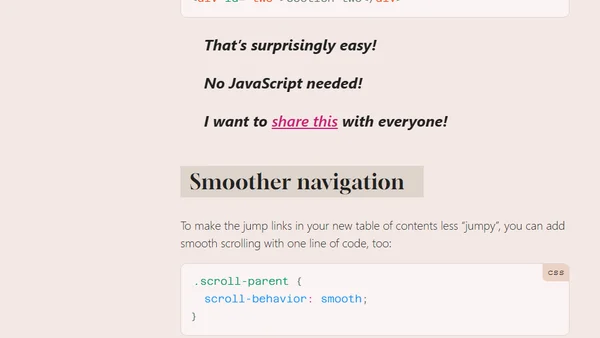
Explores the new CSS scroll-state(scrolled) query for applying styles based on scroll direction, with examples and use cases.
Una Kravets is a web platform engineer and writer focused on modern CSS and UI capabilities. Her work explores cutting-edge features like container queries, anchor positioning, scroll-driven styling, and the future of web UI architecture.
105 articles from this blog
Explores the new CSS scroll-state(scrolled) query for applying styles based on scroll direction, with examples and use cases.
Introducing Invoker Commands in Chrome 135, enabling declarative control of <dialog> and [popover] elements without JavaScript.
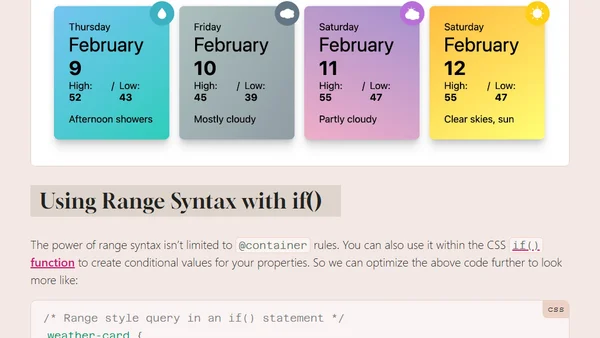
Introduces new range syntax for CSS style queries, allowing comparisons like > and < for responsive component styling.
Chrome 143 introduces anchored container queries, allowing CSS to detect and style elements based on which anchor positioning fallback is used.
Explains how to create a dynamic 'follow-the-leader' UI effect using modern CSS anchor positioning for hover, focus, and scroll interactions.
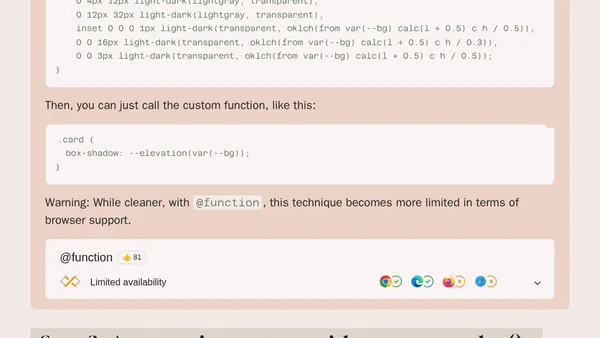
Explores five practical examples of using the new CSS @function rule to create custom functions for more dynamic and organized stylesheets.
Explains how to create a scroll-spy navigation effect using the new CSS `scroll-target-group` property and `:target-current` pseudo-class.
Explains the new HTML popover='hint' type, its behavior compared to 'auto' and 'manual', and how to implement it with JavaScript.
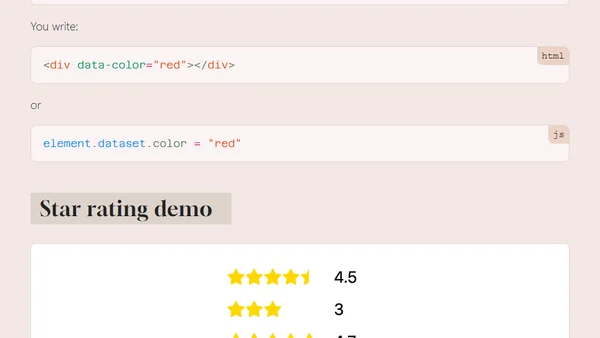
New CSS attr() function capabilities allow referencing colors, numbers, and more from HTML attributes directly in styles, moving beyond just strings.
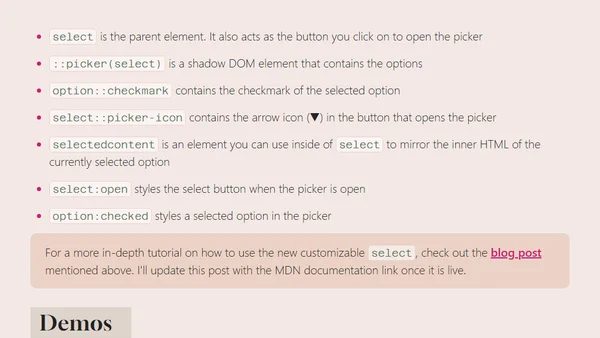
Summary of recent updates to the customizable select API, including new pseudo-elements, style changes, and usage examples.
Chrome introduces a customizable <select> element API in development, seeking developer feedback on styling and functionality.
The @property rule in CSS Houdini is now universally supported, enabling typed custom properties, fallbacks, and animating gradients.
A recap of the latest CSS and web UI features announced at Google I/O 2024, including scroll-driven animations and new APIs.
Introduces the CSS Anchor Positioning API, a native browser feature for positioning elements relative to anchors, simplifying complex UI layouts.
The Popover API is now widely supported and part of Baseline 2024, offering built-in features for creating tooltips, menus, and other layered UI components.
A review of major CSS features and browser advancements that landed in 2023, including container queries, nesting, and new functions.
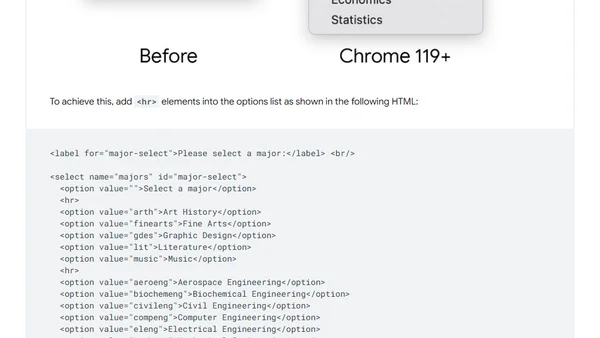
Chrome 119 and Safari 17 now support adding <hr> elements as visual separators within HTML select dropdowns to improve user experience.
Explores four new CSS features in Chrome 116/117 for creating smooth entry and exit animations, including display animations and top-layer control.
A tutorial on building a radial menu using modern CSS features like trigonometric functions, the popover API, and anchor positioning, without JavaScript.
A guide to the new HTML popover API, explaining its features, syntax, and benefits for building UI components without JavaScript.