Accessible Buttons Jquery Plugin
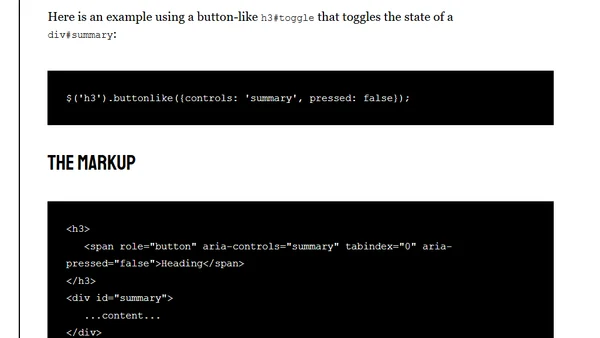
Introduces buttonlike.js, a jQuery plugin for making non-button elements accessible via ARIA roles, keyboard focus, and event handling.
Heydon Pickering is a web-focused technical writer and designer specializing in inclusive language, accessible interfaces, design systems, and frontend documentation, with global speaking experience and award recognition.
73 articles from this blog
Introduces buttonlike.js, a jQuery plugin for making non-button elements accessible via ARIA roles, keyboard focus, and event handling.
A guide to modifying web typography by subsetting fonts and using CSS font stacks for granular control without JavaScript or extra markup.
A tutorial on adding a Ping-o-matic button to the Perch CMS admin panel to notify search engines of new blog content.
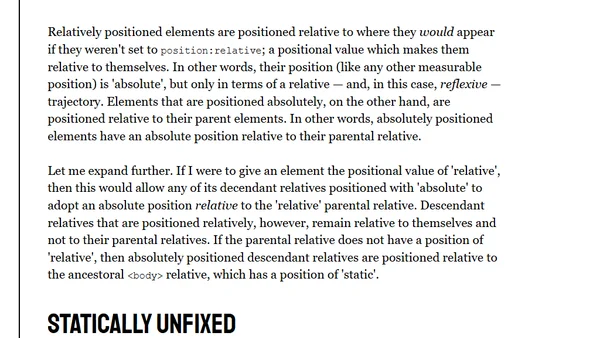
A humorous and confusing explanation of CSS positioning properties (static, relative, absolute, fixed) that highlights the language's complexity.
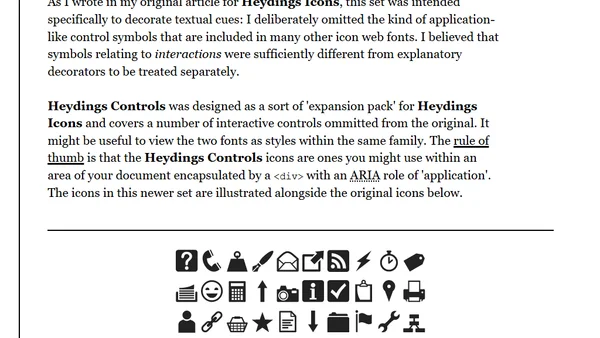
Introducing Heydings Controls, a companion icon font for interactive UI elements, designed as an expansion to the free Heydings Icons font.
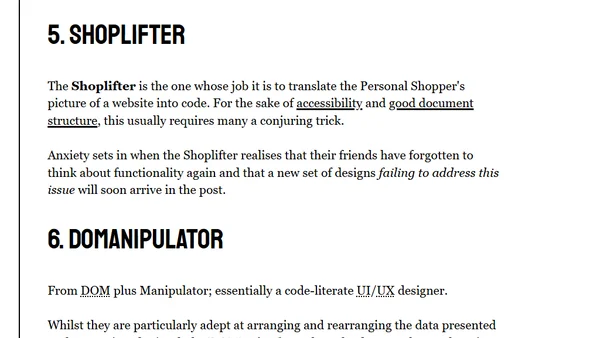
A satirical guide categorizing different stereotypes of web developers, from 'Rockstars' to 'Pedants', based on their skills and approaches.
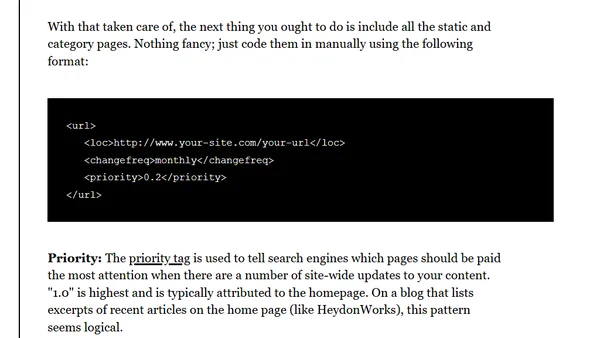
A technical tutorial on creating a dynamic XML sitemap for the Perch CMS blog extension, covering PHP code and template configuration.
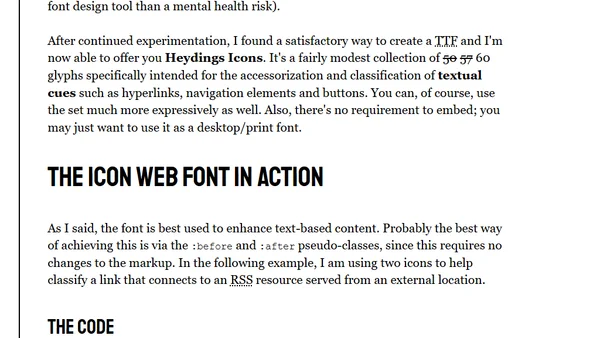
Introducing Heydings Icons, a free web font with 60 glyphs for enhancing UI elements like links and buttons using CSS pseudo-classes.
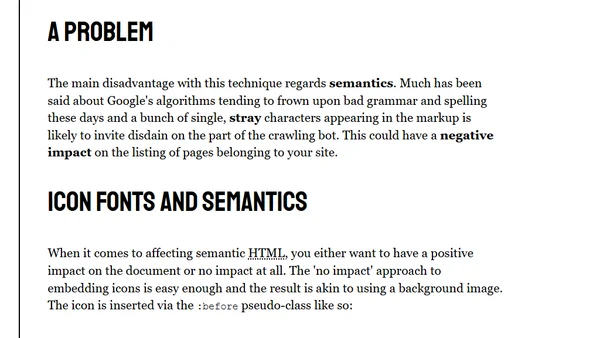
Explores using web fonts for UI icons, covering advantages like scalability and color control, and addressing semantic HTML concerns.
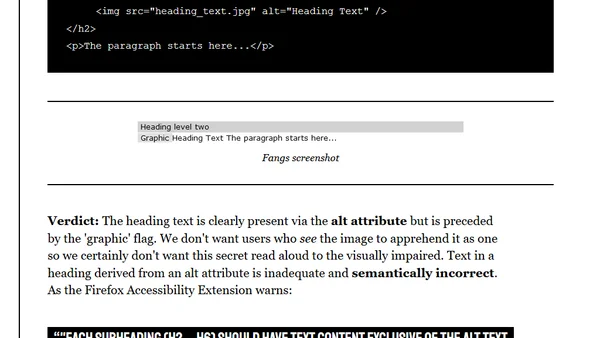
Analyzes accessible text replacement methods for web headings, comparing techniques to hide text visually while keeping it available for screen readers and SEO.
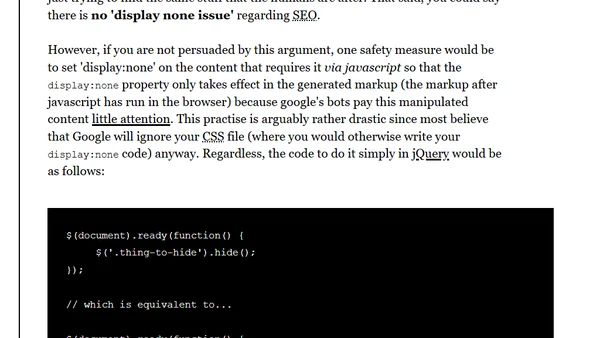
Explores the SEO and accessibility implications of using the CSS display:none property, including best practices and potential pitfalls.
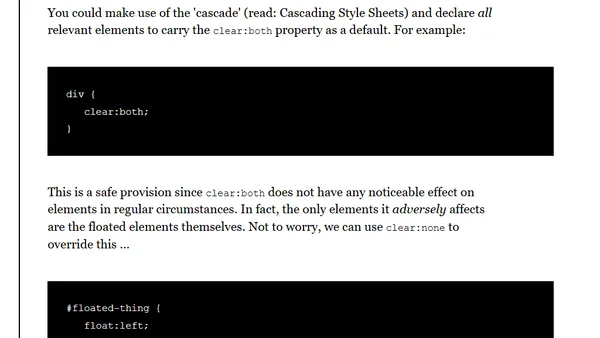
Explains how to use CSS's cascade to automatically clear floats, reducing layout issues and maintenance.
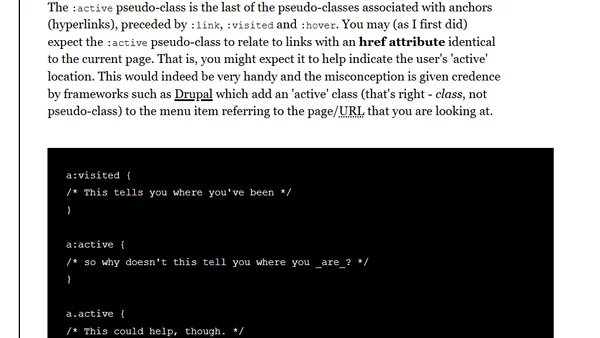
Explains CSS pseudo-classes, clarifying common misconceptions and detailing the difference between classes and pseudo-classes like :hover and :active.