

Creating a table of contents with internal links in IPython Notebooks and Markdown documents
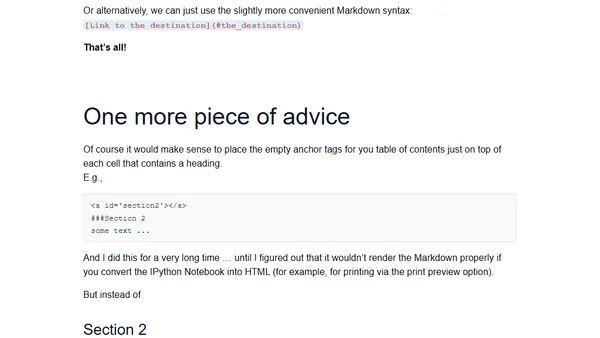
Read OriginalThis article provides a step-by-step guide for adding a clickable table of contents with internal links to IPython (Jupyter) Notebooks and Markdown files. It explains how to use HTML anchor tags with IDs and the corresponding hyperlink syntax in both HTML and Markdown to create document navigation. It also offers practical advice on placement to ensure proper rendering when converting notebooks to HTML.
Comments
No comments yet
Be the first to share your thoughts!
Browser Extension
Get instant access to AllDevBlogs from your browser
Top of the Week
No top articles yet