

Setting up a screen reader testing environment on your computer
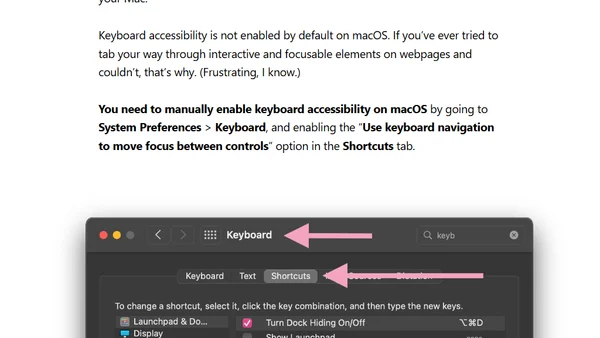
Read OriginalThis technical guide details how to set up a screen reader testing environment for web accessibility. It covers downloading virtualization software, installing screen readers (like JAWS, NVDA, and VoiceOver), configuring keyboard settings, and identifying the most relevant screen reader and browser combinations for effective manual accessibility testing.
Comments
No comments yet
Be the first to share your thoughts!
Browser Extension
Get instant access to AllDevBlogs from your browser
Top of the Week
No top articles yet