

How To Track Email Opens with Google Apps Script
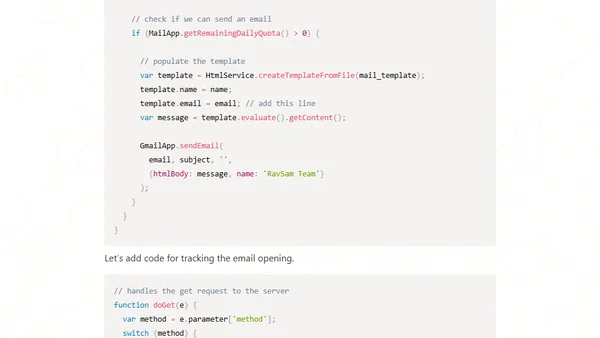
Read OriginalThis article provides a detailed tutorial on tracking email opens in Google Apps Script by implementing a tracking pixel. It covers adding a status column to a Google Sheet, writing server-side code to handle GET requests, deploying the script as a web app, and embedding the tracking pixel in HTML email templates. The guide is aimed at developers and marketers looking to measure email campaign success while respecting recipient privacy. It includes code snippets for the doGet function and email sending logic, making it a practical resource for automating email tracking in Google Workspace.
Comments
No comments yet
Be the first to share your thoughts!
Browser Extension
Get instant access to AllDevBlogs from your browser
Top of the Week
No top articles yet