

Switch between Hyper-V and Virtualbox on Windows
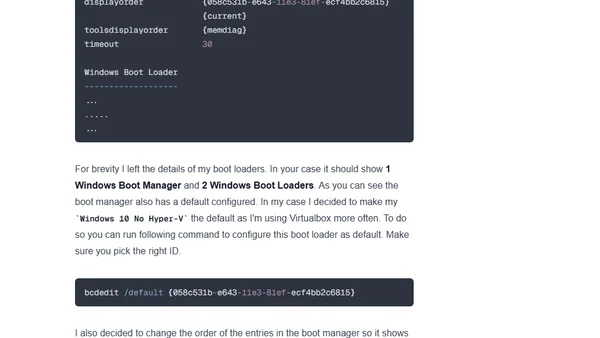
Read OriginalThis technical tutorial explains how to create separate Windows boot profiles to enable switching between Hyper-V and VirtualBox, which conflict due to hypervisor requirements. It provides step-by-step commands using bcdedit to backup, copy, and modify boot entries, allowing developers to use VirtualBox for Linux web development and Hyper-V for Windows Phone emulator work.
Comments
No comments yet
Be the first to share your thoughts!
Browser Extension
Get instant access to AllDevBlogs from your browser
Top of the Week
No top articles yet