New App: Menu Drop
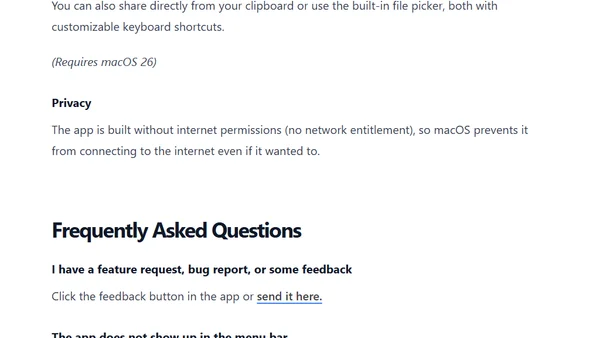
Menu Drop is a macOS utility that simplifies AirDrop sharing via menu bar drag-and-drop, clipboard sharing, and keyboard shortcuts.
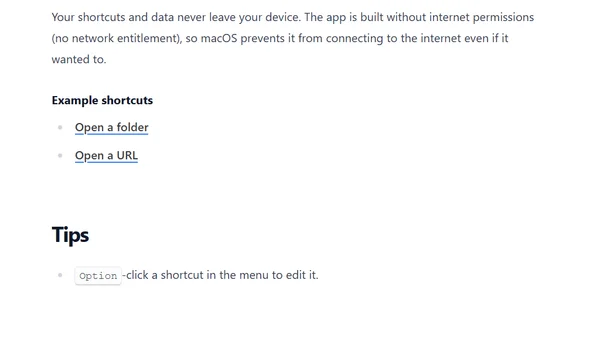
Introduces Short Run, a macOS app that provides quick, organized menu bar access to Shortcuts with advanced features for power users and developers.
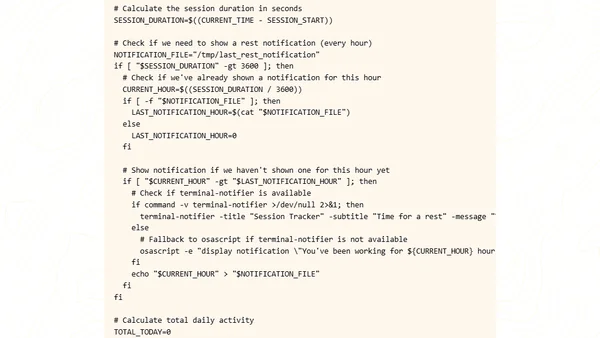
A guide to building a smart, menu-bar-based session tracker for macOS using bash scripts and xbar to monitor productivity and encourage breaks.
A playful macOS app that adds animated, cursor-following eyes to your menu bar for a touch of whimsy.
A macOS utility that reclaims menu bar space by adjusting the spacing between items, offering a simple alternative to apps like Bartender.
A macOS app that displays the current week number in the menu bar, with customization options and a widget.
A guide for the Second Clock macOS app, covering FAQs, troubleshooting, and feature explanations for displaying additional time zones.
A simple macOS menu bar app for quick calendar access, supporting Calendar and Google Calendar integration.
A native macOS app providing quick menu bar, Dock, and keyboard shortcut access to ChatGPT, with FAQs on features and limitations.
Introduces Spaced, a macOS app that adds menu bar separators to organize and streamline the menu bar layout, especially on larger screens.
A guide to using Folder Peek, a macOS app that places folder shortcuts in the menu bar for quick file and application access.
A free macOS menu bar app that displays UTC time, with FAQs and version history.
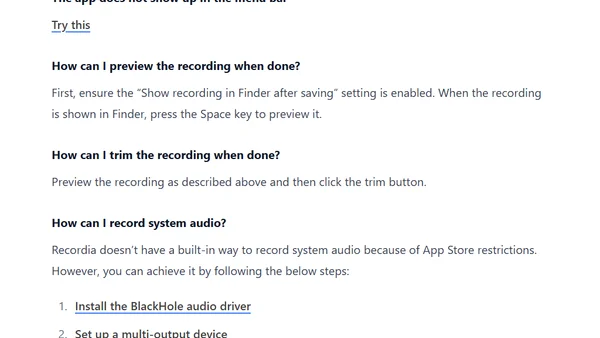
A guide to Recordia, a macOS app for recording audio from the menu bar, covering setup, features, and troubleshooting.
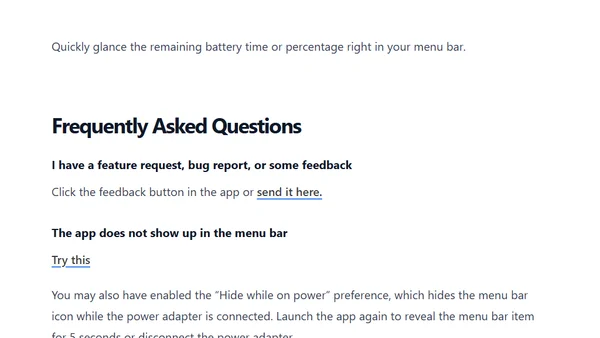
A macOS app that displays battery time and percentage in the menu bar, with FAQs on usage, troubleshooting, and limitations.