

Wrap A PaperKit Markup Canvas In SwiftUI
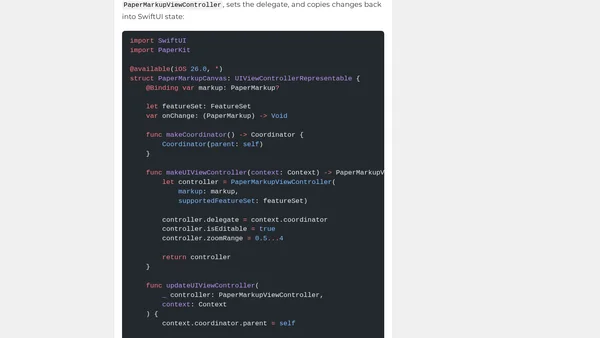
Read OriginalThis article provides a technical tutorial on integrating PaperKit's PaperMarkupViewController into a SwiftUI app. It covers creating an observable MarkupStore model for PaperMarkup documents, loading and saving markup data with error handling, and discusses best practices like debouncing saves to avoid overlapping writes. Targeting iOS 26+, it explains how to wrap UIKit controllers for SwiftUI, manage feature sets, and handle content compatibility. Aimed at iOS developers building annotation or drawing tools.
Comments
No comments yet
Be the first to share your thoughts!
Browser Extension
Get instant access to AllDevBlogs from your browser
Top of the Week
No top articles yet