

Make SwiftUI Toolbars Work In Resizable iPhone Apps
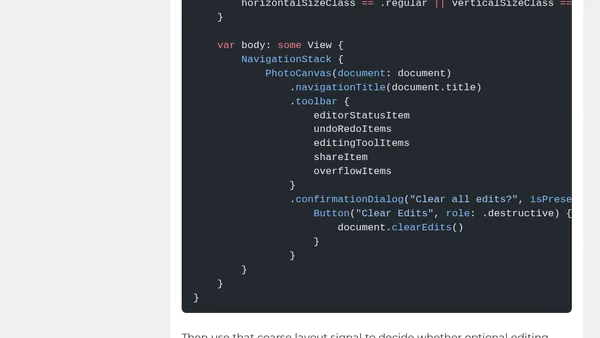
Read OriginalThis article addresses the challenge of crowded SwiftUI toolbars in resizable iPhone apps, as highlighted by Apple's Platforms State of the Union. It explains how to use new SwiftUI control points such as ToolbarItemGroup, visibilityPriority, ToolbarOverflowMenu, topBarPinnedTrailing, and toolbarMinimizeBehavior to ensure toolbars adapt gracefully across different widths, especially when apps run on iPad or via iPhone Mirroring. The article provides a realistic example of a photo editor toolbar and emphasizes prioritizing essential commands while moving others to overflow. It targets iOS developers working with Xcode 27 and WWDC26 APIs.
Comments
No comments yet
Be the first to share your thoughts!
Browser Extension
Get instant access to AllDevBlogs from your browser
Top of the Week
No top articles yet