

Using third-party terminals within Windows Terminal
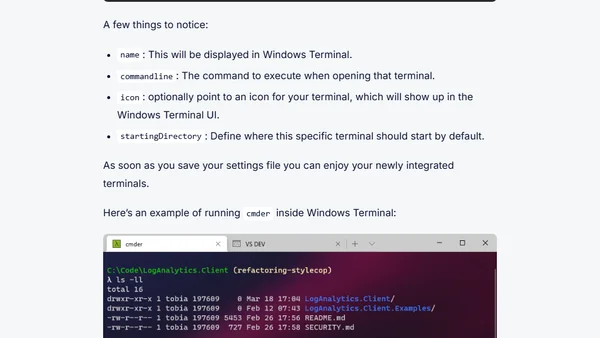
Read OriginalThis article is part of a series on Windows Terminal tips and tricks. It explains how to configure Windows Terminal to launch third-party terminals such as Cmder and the Visual Studio Developer Command Prompt. The post provides step-by-step instructions for editing the settings file, including examples of JSON profile entries with parameters like name, commandline, icon, and startingDirectory. It also shows screenshots of the integrated terminals running inside Windows Terminal. This is a technical tutorial aimed at developers and IT professionals looking to customize their terminal environment.
Comments
No comments yet
Be the first to share your thoughts!
Browser Extension
Get instant access to AllDevBlogs from your browser
Top of the Week
No top articles yet