

Set the default starting directory in Windows Terminal
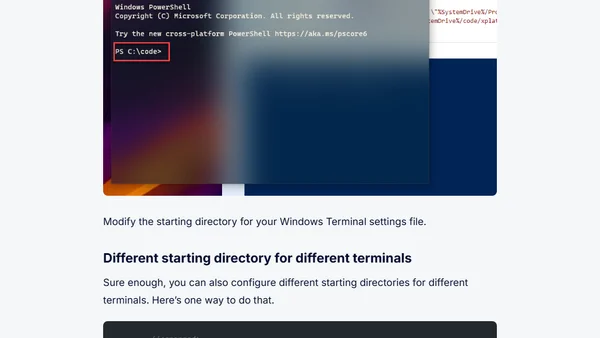
Read OriginalThis article is part of a series on Windows Terminal tips and tricks. It provides a step-by-step guide on configuring the default starting directory in Windows Terminal, including how to set different directories for different terminal profiles. The author explains how to modify the 'startingDirectory' setting in the settings file, using either relative paths like '%SystemDrive%/code' or absolute paths. This customization helps users avoid manually navigating to their working directories each time they open a terminal, boosting efficiency for developers and IT professionals.
Comments
No comments yet
Be the first to share your thoughts!
Browser Extension
Get instant access to AllDevBlogs from your browser
Top of the Week
No top articles yet