

Secure your Azure Storage Accounts with restrictions based on public IP addresses
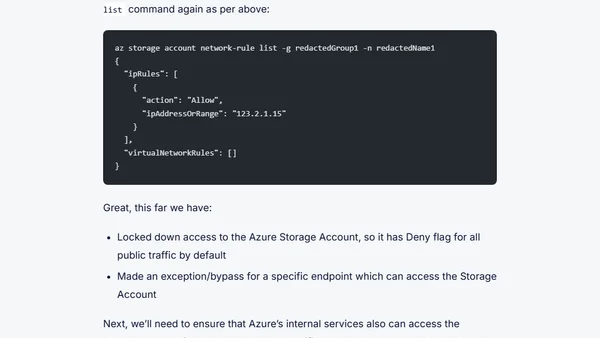
Read OriginalThis article provides a step-by-step tutorial on how to secure Azure Storage Accounts by implementing IP-based network restrictions. It covers prerequisites like having an Azure subscription and Azure CLI, explains how to list storage accounts, change the default network rule from Allow to Deny, and configure IP address exceptions. The focus is on mitigating data breach risks by limiting access to trusted public IPs only, with warnings about immediate effects and the need to allow your own IP before applying changes. Aimed at IT professionals managing Azure cloud storage security.
Comments
No comments yet
Be the first to share your thoughts!
Browser Extension
Get instant access to AllDevBlogs from your browser
Top of the Week
No top articles yet