

Protecting your Azure Container Registry by denying all requests except from allowed IP addresses
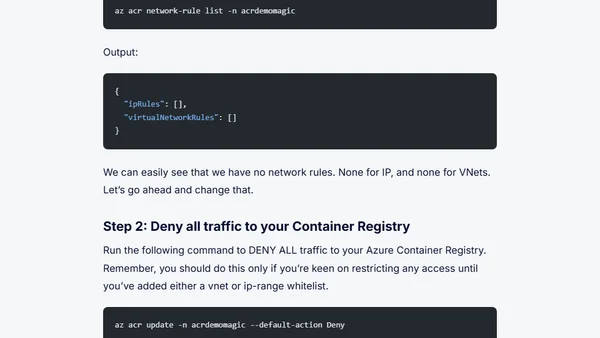
Read OriginalThis article provides a step-by-step tutorial on how to lock down an Azure Container Registry (ACR) by denying all requests except those from specified IP addresses or IP ranges. It covers prerequisites like having an Azure subscription and a Premium SKU ACR, upgrading from Basic or Standard to Premium SKU using Azure CLI, and configuring network rules to restrict access. The post includes CLI commands to check current network rules, set default deny, and whitelist IP addresses, resulting in a 403 Forbidden for unauthorized requests. It is part of a series on securing Azure resources and is relevant for DevOps engineers and cloud security professionals.
Comments
No comments yet
Be the first to share your thoughts!
Browser Extension
Get instant access to AllDevBlogs from your browser
Top of the Week
No top articles yet