

Installing Ghost for local development on Windows
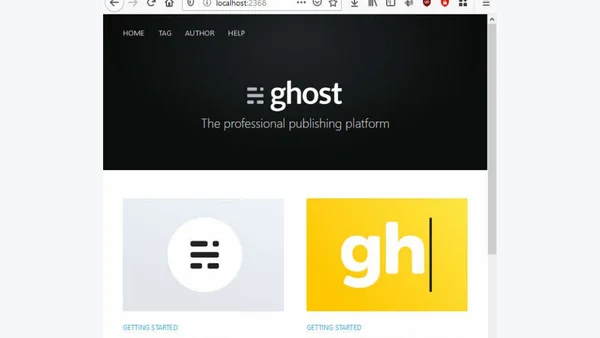
Read OriginalThis article provides a detailed tutorial on setting up a local development environment for Ghost on Windows. It covers installing prerequisites like Node.js (version 12.x+), installing the Ghost CLI via npm, and using the CLI to install Ghost locally. The guide also explains how to add custom themes by copying them to the content/themes folder. Aimed at developers and bloggers, it helps users customize themes and work on deployments without affecting production. The content is technical and focused on IT/technology, specifically web development and DevOps practices.
Comments
No comments yet
Be the first to share your thoughts!
Browser Extension
Get instant access to AllDevBlogs from your browser
Top of the Week
No top articles yet