

Install custom themes in Windows Terminal
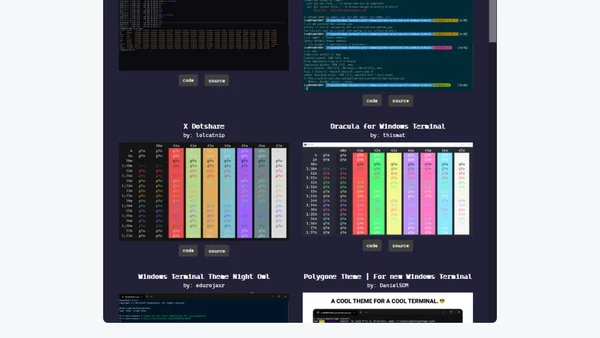
Read OriginalThis article is part of a series on Windows Terminal tips and tricks. It provides a step-by-step guide on how to install custom color themes by editing the settings.json file, including adding themes to the schemes array and applying them via the colorScheme property. It also recommends terminalsplash.com as a source for pre-made themes and explains how to copy theme configurations. The tutorial is aimed at users who want to personalize their terminal appearance, with references to additional posts for further customization.
Comments
No comments yet
Be the first to share your thoughts!
Browser Extension
Get instant access to AllDevBlogs from your browser
Top of the Week
No top articles yet