

Fixing: Unable to locate the .NET Core SDK. Check that it is installed and that the version specified in global.json (if any) matches the installed version.
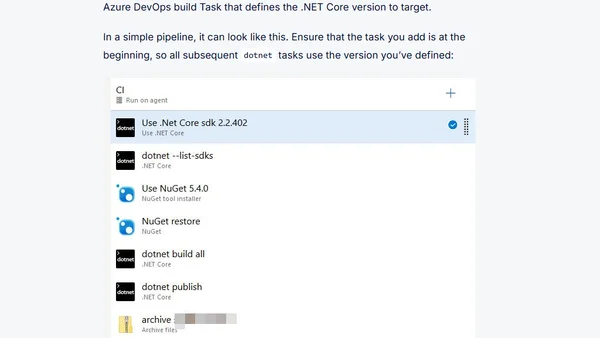
Read OriginalThis article provides solutions for the common error 'Unable to locate the .NET Core SDK' encountered in Azure DevOps pipelines or Visual Studio. It explains how to resolve SDK version mismatches by defining the correct .NET Core SDK version using either the visual designer or YAML in Azure DevOps, or by adjusting the global.json file. The guide includes step-by-step instructions and verification methods to ensure the pipeline uses the intended SDK version without modifying code.
Comments
No comments yet
Be the first to share your thoughts!
Browser Extension
Get instant access to AllDevBlogs from your browser
Top of the Week
No top articles yet