

Collect form responses using Google Apps Script in Jekyll website
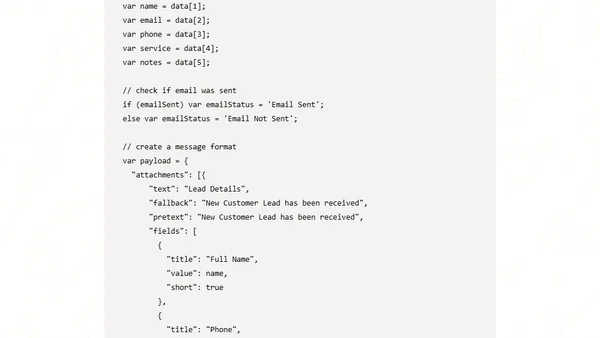
Read OriginalThis article provides a step-by-step tutorial on how to collect form responses from a static Jekyll website using Google Apps Script as a serverless backend and Google Spreadsheets for data persistence. It covers creating a Google Spreadsheet, setting up a Slack bot for notifications, creating and deploying a Google Apps Script project, and integrating an HTML form with JavaScript. The approach is suitable for hosting on GitHub Pages, Netlify, or similar platforms, offering a cost-effective alternative to dedicated servers.
0 comments
Comments
No comments yet
Be the first to share your thoughts!
Browser Extension
Get instant access to AllDevBlogs from your browser
Top of the Week
No top articles yet