

Install Windows 8 from rusty 256 MB USB stick
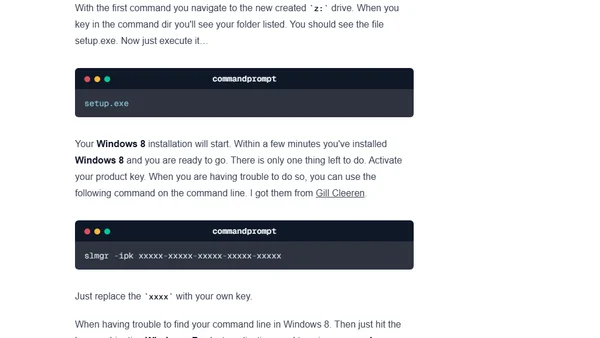
Read OriginalThis article provides a step-by-step technical tutorial for installing Windows 8 from a network share by booting from a minimal Windows PE environment created on a small 256MB USB drive. It covers using the Windows ADK, creating the bootable media, configuring network shares, and executing the installation via command line, including activation via slmgr.
0 comments
Comments
No comments yet
Be the first to share your thoughts!
Browser Extension
Get instant access to AllDevBlogs from your browser
Top of the Week
No top articles yet