

GIF-ted: from video to GIF in Photoshop
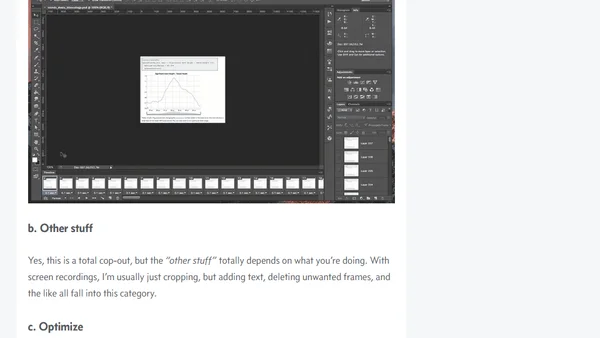
Read OriginalThis article provides a step-by-step guide for converting video clips into GIFs using Photoshop. It details the process from obtaining a video source (like a screen recording) to importing frames as layers, adjusting frame delays for speed control, and optimizing file size. The content is a technical tutorial focused on a specific software workflow within digital media creation.
Comments
No comments yet
Be the first to share your thoughts!
Browser Extension
Get instant access to AllDevBlogs from your browser
Top of the Week
No top articles yet