

Setting up the Azure Terraform MCP Server in Visual Studio Code
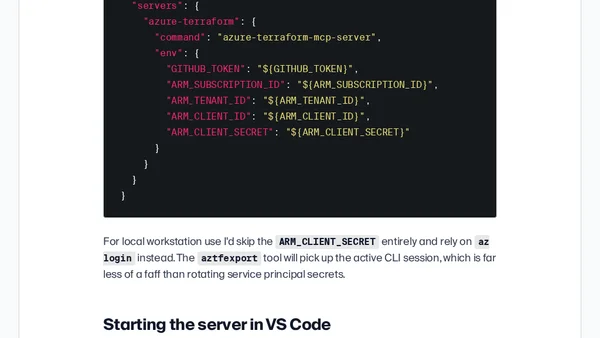
Read OriginalThis article provides a detailed walkthrough for setting up the Azure Terraform MCP Server in Visual Studio Code. It addresses the common problem of AI models generating incorrect or outdated Terraform code for Azure resources. The MCP server gives AI clients like Copilot access to real provider documentation, resource export via aztfexport, and policy validation with Conftest. The article covers prerequisites (Node.js 20+, VS Code with MCP support, Copilot license), the four tool buckets (documentation lookups, resource export, policy validation, auto-installation), and practical setup steps. It is aimed at DevOps engineers and Terraform users working with Azure who want to improve AI-assisted infrastructure coding accuracy.
Comments
No comments yet
Be the first to share your thoughts!
Browser Extension
Get instant access to AllDevBlogs from your browser
Top of the Week
No top articles yet