

How to install the vSphere 5.5 Client on Windows 8
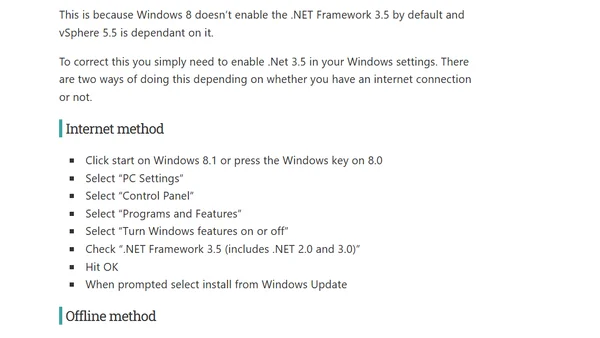
Read OriginalThis technical tutorial explains how to resolve the common installation error for VMware vSphere 5.5 Client on Windows 8, which occurs due to the disabled .NET Framework 3.5. It provides step-by-step instructions for both online (via Windows Update) and offline (using installation media) methods to enable the required framework before proceeding with the client installation.
Comments
No comments yet
Be the first to share your thoughts!
Browser Extension
Get instant access to AllDevBlogs from your browser
Top of the Week
No top articles yet