

How to temporarily cover whole screen of your application
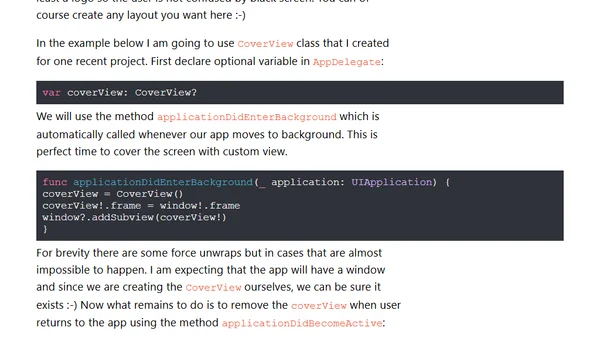
Read OriginalThis iOS development tutorial explains how to create a full-screen cover view using UIView. It covers two main use cases: dimming the background to highlight pop-over content and obscuring app content in the App Switcher to protect sensitive information. The article provides Swift code examples for creating, displaying, animating, and removing the cover view, as well as integrating it with AppDelegate methods for the App Switcher scenario.
0 comments
Comments
No comments yet
Be the first to share your thoughts!
Browser Extension
Get instant access to AllDevBlogs from your browser
Top of the Week
No top articles yet