

How to Integrate Claude Code with Neovim Using Ghostty Terminal Panes
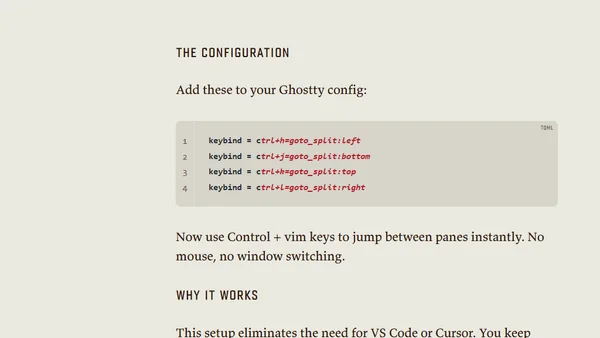
Read OriginalThis article provides a step-by-step guide for developers to integrate the Claude Code AI assistant with Neovim by using a multi-pane setup in the Ghostty terminal. It explains how to configure keybindings for seamless navigation between panes running Claude Code, Neovim, and a standard terminal, allowing users to retain their Neovim workflow while gaining AI coding help.
0 comments
Comments
No comments yet
Be the first to share your thoughts!
Browser Extension
Get instant access to AllDevBlogs from your browser
Top of the Week
No top articles yet