

Running as a different user in Windows 10
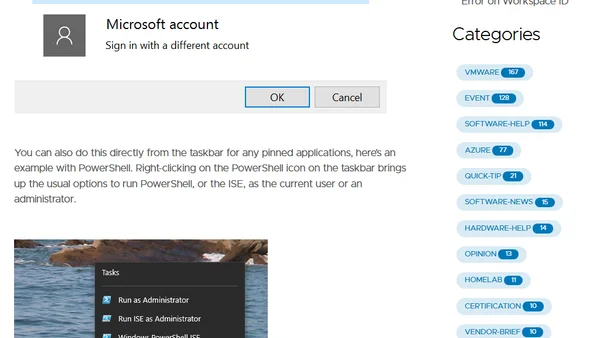
Read OriginalThis article details several techniques for launching applications under a different user account in Windows 10. It covers using the 'Open File Location' method with a shift-right-click, running pinned taskbar apps as a different user, and utilizing the legacy 'RunAs' command for command-line enthusiasts.
Comments
No comments yet
Be the first to share your thoughts!
Browser Extension
Get instant access to AllDevBlogs from your browser
Top of the Week
No top articles yet