

Use PowerShell to enable Azure Storage Account Firewall Rules
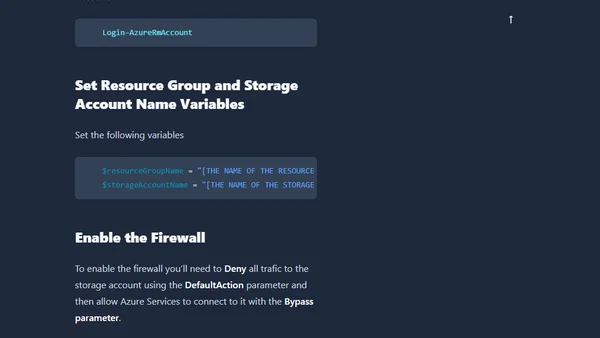
Read OriginalThis technical guide provides step-by-step instructions for enabling and configuring Azure Storage Account firewall rules using PowerShell. It covers logging into Azure, setting variables, denying all traffic by default, allowing Azure services, and adding specific IP address or range exceptions.
Comments
No comments yet
Be the first to share your thoughts!
Browser Extension
Get instant access to AllDevBlogs from your browser
Top of the Week
No top articles yet