

Fix MAMP, MySQL Workbench “Failed to Connect to MySQL”
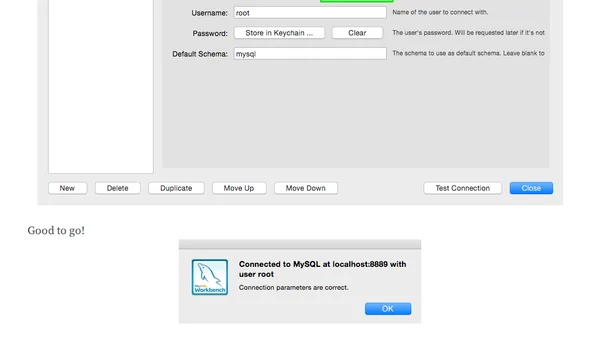
Read OriginalThis article provides a step-by-step guide for resolving the 'Failed to Connect to MySQL' error when using MySQL Workbench with MAMP on a local development environment. The author explains that MAMP's start page misleadingly suggests using port 3306, but the actual MySQL port configured in MAMP preferences is often 8889. By adjusting the connection settings in MySQL Workbench to match the correct port from MAMP's preferences, users can establish a successful connection. The article includes screenshots and emphasizes understanding over copying, making it useful for developers troubleshooting local database setups.
0 comments
Comments
No comments yet
Be the first to share your thoughts!
Browser Extension
Get instant access to AllDevBlogs from your browser
Top of the Week
No top articles yet