

Taking the terminal seriously in the age of AI coding agents
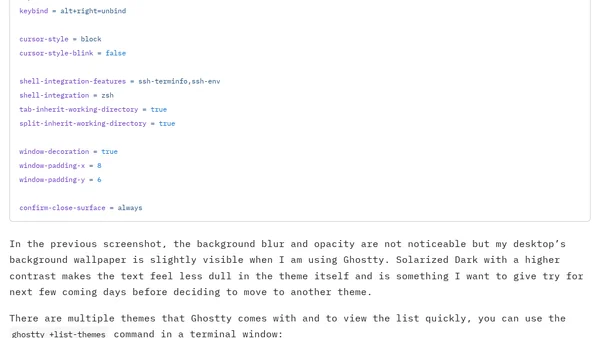
Read OriginalThis article discusses the author's return to the Ghostty terminal emulator after trying Otty, driven by their increasing reliance on AI coding agents like Claude Code and Codex CLI. It details their minimal Ghostty configuration, including theme selection (Solarized Dark Higher Contrast), font settings, and keybindings. The author reflects on using the terminal as a central hub for documentation and development tasks, reducing app switching, and invites tips for terminal-only workflows. The post is relevant to IT/tech audiences interested in terminal customization and AI-assisted development.
Comments
No comments yet
Be the first to share your thoughts!
Browser Extension
Get instant access to AllDevBlogs from your browser
Top of the Week
No top articles yet