

How to use iOS simulator in full-screen
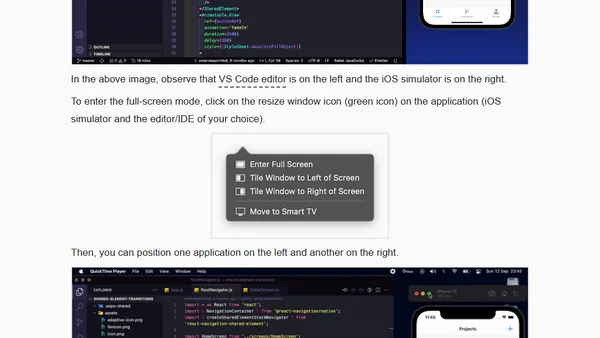
Read OriginalThis article explains how to enable full-screen mode for the iOS simulator, detailing a command for older Xcode versions and the standard method for newer ones. It focuses on creating a distraction-free development environment, particularly for React Native and Expo projects, by arranging the simulator and code editor side-by-side.
0 comments
Comments
No comments yet
Be the first to share your thoughts!
Browser Extension
Get instant access to AllDevBlogs from your browser
Top of the Week
No top articles yet