

Setting up Visual Studio Code (Part 2)—HTML, CSS and JavaScript settings
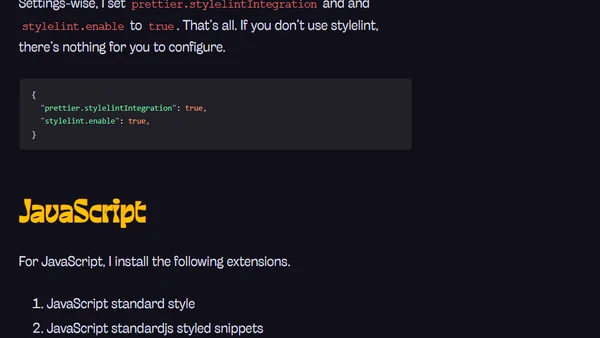
Read OriginalThis tutorial article details how to configure Visual Studio Code for efficient HTML, CSS, and JavaScript development. It covers essential settings like format on save, specific HTML formatting rules, and recommends useful extensions such as Auto Close Tag, Prettier, and Stylelint to improve workflow and code quality.
0 comments
Comments
No comments yet
Be the first to share your thoughts!
Browser Extension
Get instant access to AllDevBlogs from your browser
Top of the Week
No top articles yet