

Zimmergren MOSS 2007 Tip #3: Publishing and displaying an InfoPath form in the browser
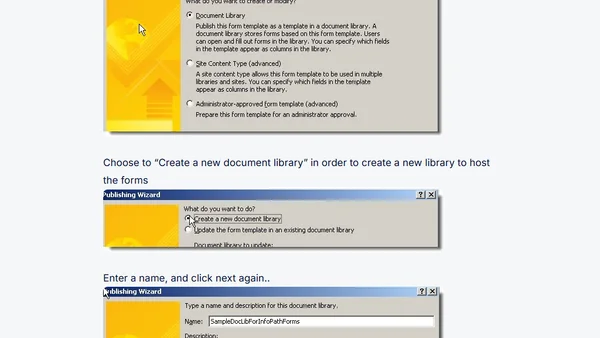
Read OriginalThis article provides a step-by-step tutorial on creating and publishing an InfoPath form to a SharePoint Forms Library in MOSS 2007, enabling browser-based editing. It covers using the Design Checker, configuring browser compatibility settings, publishing the form to a new document library, and adjusting advanced library settings to display forms as web pages. The tip also mentions integrating workflows for approval processes, targeting developers and IT professionals working with SharePoint and InfoPath Forms Services.
0 comments
Comments
No comments yet
Be the first to share your thoughts!
Browser Extension
Get instant access to AllDevBlogs from your browser
Top of the Week
No top articles yet