

Understanding Azure Policies with Visual Studio Code
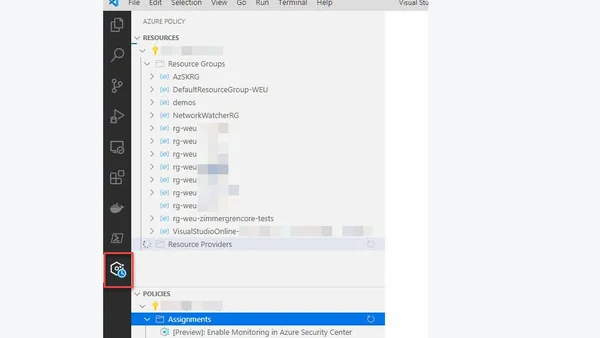
Read OriginalThis article provides a step-by-step guide on installing and using the Azure Policy extension in Visual Studio Code. It covers installation from the marketplace, signing into Azure, selecting subscriptions, and viewing resources and policies. The extension simplifies policy authoring by enabling inline alias property look-up and JSON resource inspection, making it easier to draft and manage Azure policies directly from the editor.
Comments
No comments yet
Be the first to share your thoughts!
Browser Extension
Get instant access to AllDevBlogs from your browser
Top of the Week
No top articles yet