

SP 2013: Using the JSLink property to change the way your field or views are rendered in SharePoint 2013
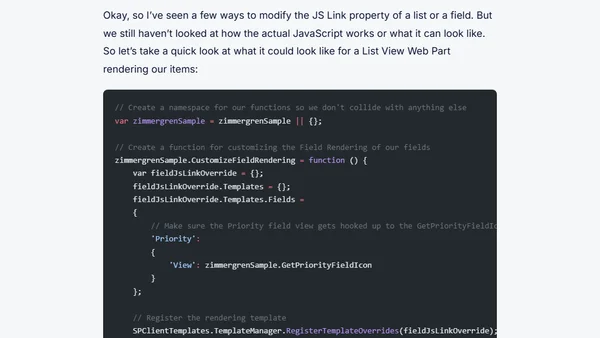
Read OriginalThis article provides a detailed guide on using the JSLink property in SharePoint 2013 to change how list fields and views are rendered. It covers setting the JS Link property on List View Web Parts via the UI, PowerShell, and C#, as well as configuring SPField.JSLink in field XML definitions and the server-side object model. Examples include rendering task priority icons using custom JavaScript files. The article is relevant to IT/technology professionals working with SharePoint development and customization.
Comments
No comments yet
Be the first to share your thoughts!
Browser Extension
Get instant access to AllDevBlogs from your browser
Top of the Week
No top articles yet