

SP 2013 Tip - Change the "SharePoint" text in the top left corner.
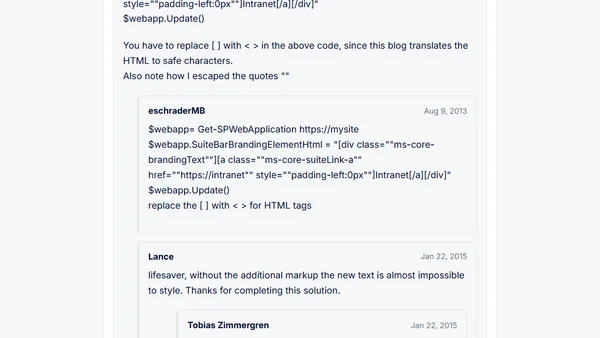
Read OriginalThis article provides a quick PowerShell tip for SharePoint 2013 administrators to customize the SuiteBar branding text in the top left corner of SharePoint sites. It explains how to use the 'SuiteBarBrandingElementHtml' property of the SPWebApplication object to replace the default 'SharePoint' text with custom text, without needing code-behind or delegate controls. The post includes a simple PowerShell snippet and before/after examples, making it useful for IT professionals managing SharePoint branding and UI customization.
Comments
No comments yet
Be the first to share your thoughts!
Browser Extension
Get instant access to AllDevBlogs from your browser
Top of the Week
No top articles yet