

SP 2010: Developing for performance part 7 - Crunching those scripts
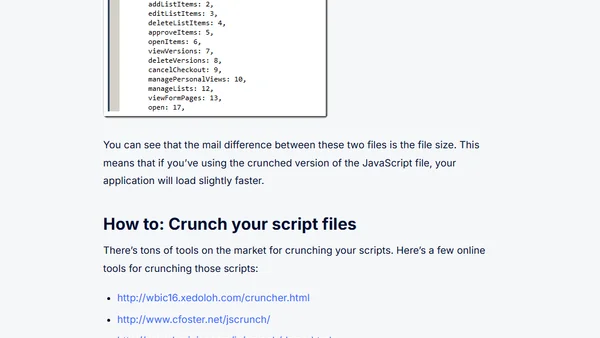
Read OriginalThis article is part 7 of a series on developing for performance in SharePoint 2010. It focuses on the technique of JavaScript script crunching, which removes unnecessary whitespace, line breaks, and characters to reduce file size and minimize HTTP requests. The article explains how SharePoint 2010 uses crunched scripts (e.g., SP.js vs SP.debug.js) and provides online tools for crunching scripts. It is a technical guide for developers aiming to optimize page load and render times in SharePoint applications.
Comments
No comments yet
Be the first to share your thoughts!
Browser Extension
Get instant access to AllDevBlogs from your browser
Top of the Week
No top articles yet