

Generate Bicep templates from existing Azure resources with VS Code
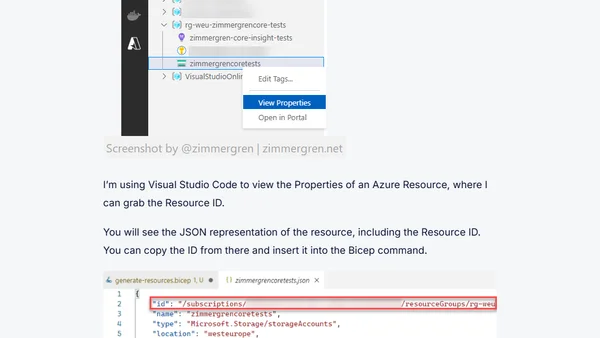
Read OriginalThis article explains how to use Visual Studio Code and the Bicep extension to generate Bicep templates from existing Azure resources, streamlining infrastructure deployment. It covers installing essential extensions like Bicep, ARM Tools, and Azure Tools, and provides step-by-step instructions for using the 'Insert Resource' command with a resource ID. Multiple methods to obtain a resource ID are detailed, including using the Azure Resources extension in VS Code and the Azure Resource Explorer web app. The guide is practical for developers and IT professionals working with Azure infrastructure as code, enabling rapid prototyping and template design directly from VS Code.
Comments
No comments yet
Be the first to share your thoughts!
Browser Extension
Get instant access to AllDevBlogs from your browser
Top of the Week
No top articles yet