

Creating an ASP.NET 5 site with Visual Studio Code - Part 1: Ensure pre-requisites
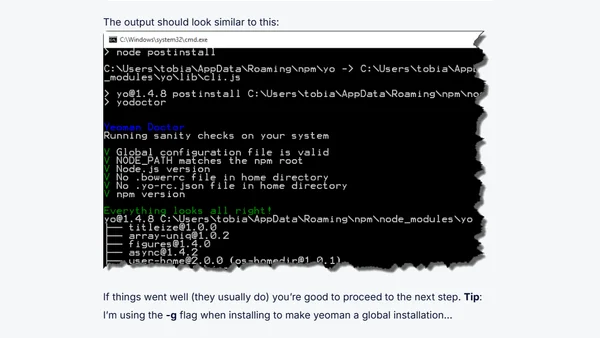
Read OriginalThis article is the first part of a series on building ASP.NET 5 web applications with Visual Studio Code. It focuses on preparing the developer machine by installing necessary tools and utilities, such as ASP.NET 5 and DNVM (Dot Net Version Manager). The guide is aimed at developers who want to use Visual Studio Code instead of full Visual Studio, and it works on Windows, OSX, and Linux. It also mentions relevance for SharePoint and Office 365 developers. The content includes step-by-step instructions for running scripts to install ASP.NET 5 and upgrading DNVM, with screenshots and tips for proper configuration.
Comments
No comments yet
Be the first to share your thoughts!
Browser Extension
Get instant access to AllDevBlogs from your browser
Top of the Week
No top articles yet