

Azure Tip: Installing and using the Azure CLI in Visual Studio Code
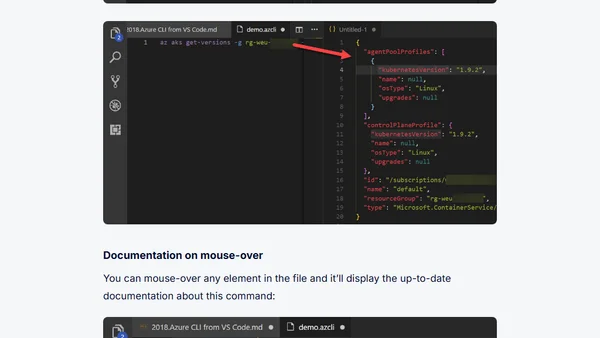
Read OriginalThis article provides a step-by-step tutorial on installing the Azure CLI Tools extension in Visual Studio Code and using it to manage Azure resources. It covers creating .azcli files, leveraging IntelliSense for commands and resources, running commands in the terminal or editor, and viewing documentation on mouse-over. Aimed at developers and IT professionals, it enhances productivity during PoC and development efforts.
Comments
No comments yet
Be the first to share your thoughts!
Browser Extension
Get instant access to AllDevBlogs from your browser
Top of the Week
No top articles yet