

Git tip: how to fix an accidental commit on the wrong branch
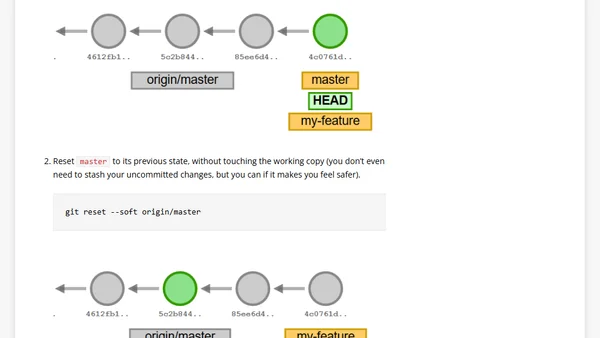
Read OriginalThis article provides a step-by-step guide for fixing a common Git mistake: committing work directly to the master/main branch instead of a feature branch. It explains the problem this creates in a team workflow and details a three-step solution using `git branch`, `git reset --soft`, and `git checkout` to relocate the commit and restore the master branch without losing work.
0 comments
Comments
No comments yet
Be the first to share your thoughts!
Browser Extension
Get instant access to AllDevBlogs from your browser
Top of the Week
No top articles yet