

Signals in Blazor
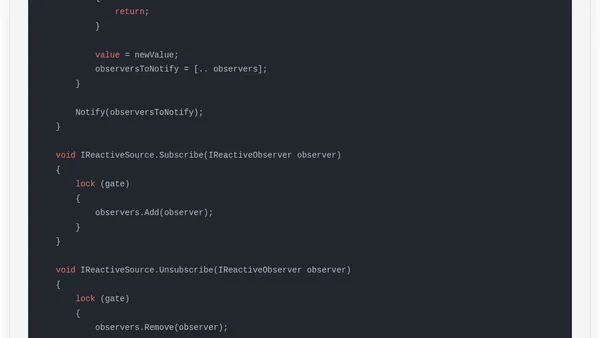
Read OriginalThis article discusses the concept of signals, commonly used in Angular, and how they can be implemented in Blazor to automatically update the UI when data changes. It contrasts Blazor's default behavior, which requires manual calls to StateHasChanged() for non-event-driven updates (like timers), with Angular's signal-based reactivity. The author provides a code example of a timer in Blazor that fails to update the UI and then shows how Angular solves this with signals. The article then proposes a custom Signal<T> implementation in Blazor to achieve similar reactive updates, acknowledging limitations. It targets developers familiar with Blazor and Angular seeking to improve UI reactivity.
0 comments
Comments
No comments yet
Be the first to share your thoughts!
Browser Extension
Get instant access to AllDevBlogs from your browser
Top of the Week
No top articles yet