

Set LogLevel of Blazor
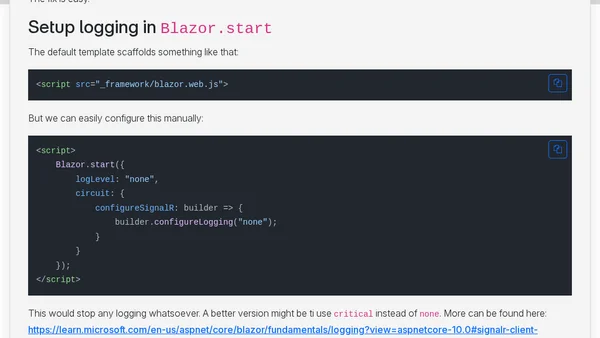
Read OriginalThis article provides a technical guide on setting the log level in Blazor applications to reduce console output, particularly addressing issues with PageSpeed Insights reporting browser errors. It explains how to configure logging via Blazor.start by setting logLevel to 'none' or 'critical' and includes code snippets for both Blazor and SignalR client logging. The article also references Microsoft's official documentation for further details and lists related Blazor articles on .NET 8 features, prerendering, and project structure.
Comments
No comments yet
Be the first to share your thoughts!
Browser Extension
Get instant access to AllDevBlogs from your browser
Top of the Week
No top articles yet