

Read Tags from Azure Resource Groups and track using Table Storage
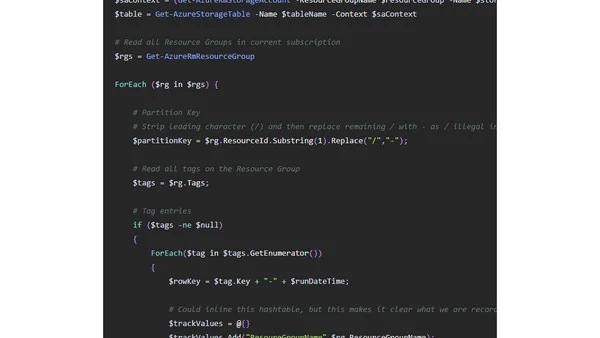
Read OriginalThis technical article provides a PowerShell script for Azure automation. It demonstrates how to enumerate all Resource Groups in a subscription, extract their tags, and write the data to Azure Table Storage. The guide includes code snippets and explanations for setting up the storage context, creating partition/row keys, and using the data for reporting in tools like Power BI.
Comments
No comments yet
Be the first to share your thoughts!
Browser Extension
Get instant access to AllDevBlogs from your browser
Top of the Week
No top articles yet