

How to add and customize Bootstrap in Nuxt.js
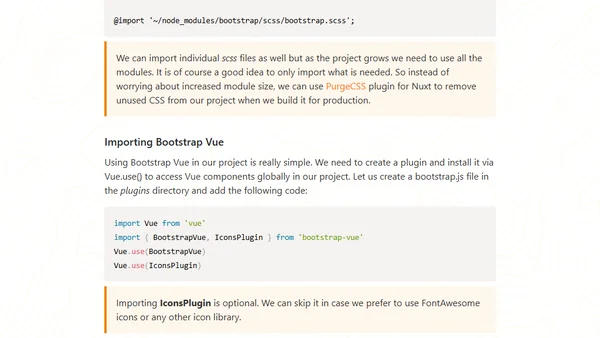
Read OriginalThis article provides a step-by-step tutorial on how to add and customize Bootstrap in a Nuxt.js project. It covers installing Bootstrap and BootstrapVue via npm, creating custom SCSS files to override Bootstrap's default color system, setting up a plugin to globally register BootstrapVue components, and configuring the nuxt.config.js file. The guide also mentions optional dependencies like Popper.js and jQuery, and suggests using PurgeCSS to remove unused CSS in production. Aimed at developers improving their Nuxt project's UI, it is a practical technical tutorial.
0 comments
Comments
No comments yet
Be the first to share your thoughts!
Browser Extension
Get instant access to AllDevBlogs from your browser
Top of the Week
No top articles yet