

Deploy a website on Netlify through Github Actions
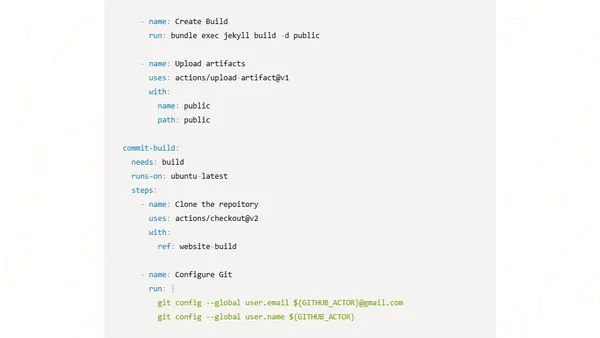
Read OriginalThis article provides a step-by-step guide on how to deploy a website to Netlify using GitHub Actions. It explains the benefits of using GitHub Actions for building the website (e.g., free build minutes) and then deploying the build folder to a separate branch on GitHub, which Netlify uses for deployment. The tutorial uses Jekyll as an example but is applicable to any static site generator. It covers creating a Jekyll site, setting up a website-build branch, configuring a GitHub Actions workflow to build and upload artifacts, and finally configuring Netlify to deploy from that branch.
0 comments
Comments
No comments yet
Be the first to share your thoughts!
Browser Extension
Get instant access to AllDevBlogs from your browser
Top of the Week
No top articles yet