

Control an Android Phone with Gemini 3.5 Flash Computer Use
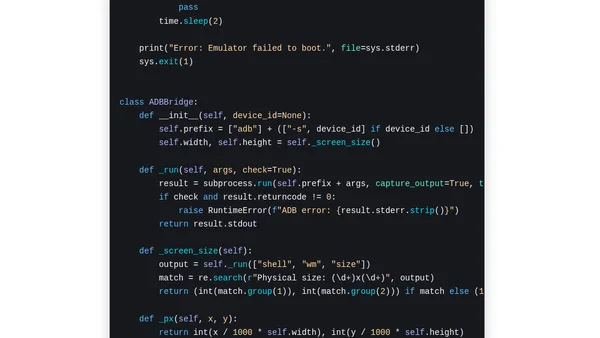
Read OriginalThis article provides a technical guide on using Gemini 3.5 Flash's built-in Computer Use tool to control an Android emulator or phone. It explains how the model processes screenshots, returns structured actions like taps, text input, and swipes, and how to execute these actions via ADB. The guide includes pseudocode, supported actions (open_app, click, type, etc.), and a GitHub repository link. It is a tutorial for developers interested in AI-driven mobile automation.
0 comments
Comments
No comments yet
Be the first to share your thoughts!
Browser Extension
Get instant access to AllDevBlogs from your browser
Top of the Week
No top articles yet