

Tutorial per Photoshop: Crea GIF trasparenti con bordi perfetti in 4 passaggi
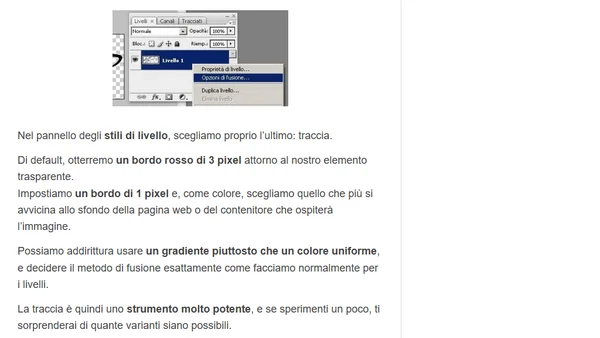
Read OriginalL'articolo spiega una tecnica in Photoshop per ovviare al problema dei bordi sgranati nelle GIF trasparenti per il web. Il metodo in 4 passaggi prevede di isolare l'elemento, applicare un effetto 'traccia' di 1 pixel con un colore simile allo sfondo del sito, e infine salvare in GIF. Questo trucco permette di ottenere immagini con bordi perfetti che si fondono con lo sfondo della pagina.
0 comments
Comments
No comments yet
Be the first to share your thoughts!
Browser Extension
Get instant access to AllDevBlogs from your browser
Top of the Week
No top articles yet